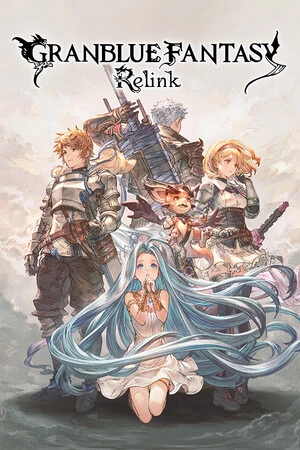
Granblue Fantasy: Relink
è l'app tutto in uno per Granblue Fantasy: Relink e oltre 3.500 altri giochi per giocatore singolo. Attiva/disattiva all'istante 36 assistenti di gioco — incluso Modalità Dio / Ignora Colpi, Salute Illimitata, Indicatore d'Arte Max Skybound, Collegamento Max e Arti Max — direttamente all'interno di Granblue Fantasy: Relink mediante un overlay in-game semplice e fluido. Con Alt+W puoi accedere ai tuoi strumenti senza interrompere il gioco.
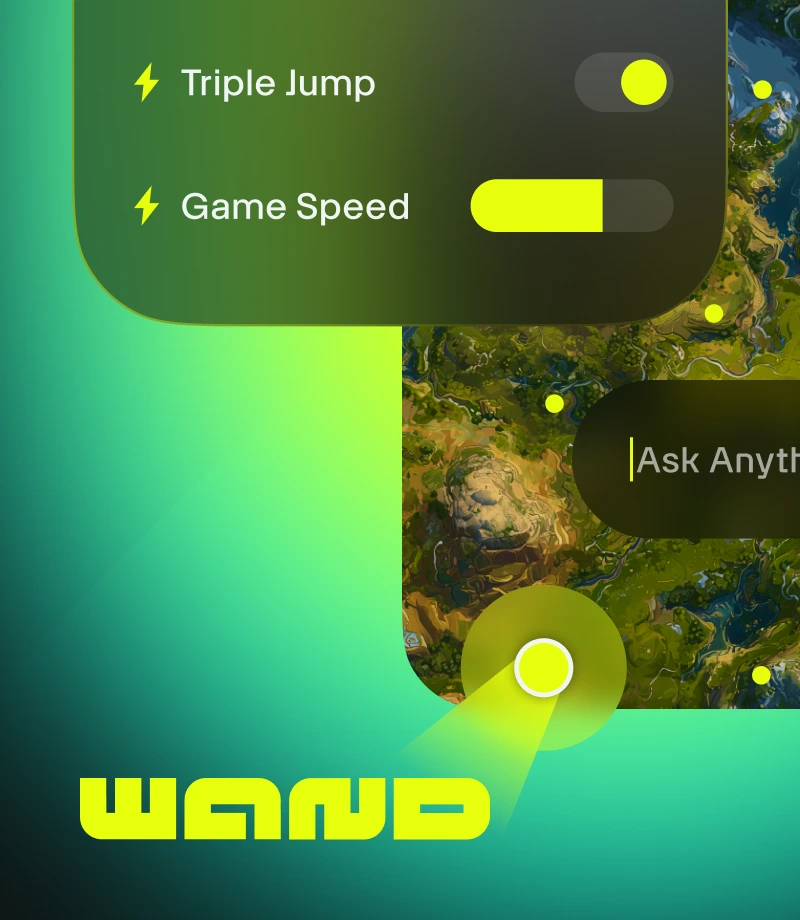
Wand trasforma il gaming in magia. Migliora oltre 3.500 giochi single-player come Granblue Fantasy: Relink grazie a strumenti intuitivi che eliminano gli ostacoli al divertimento.
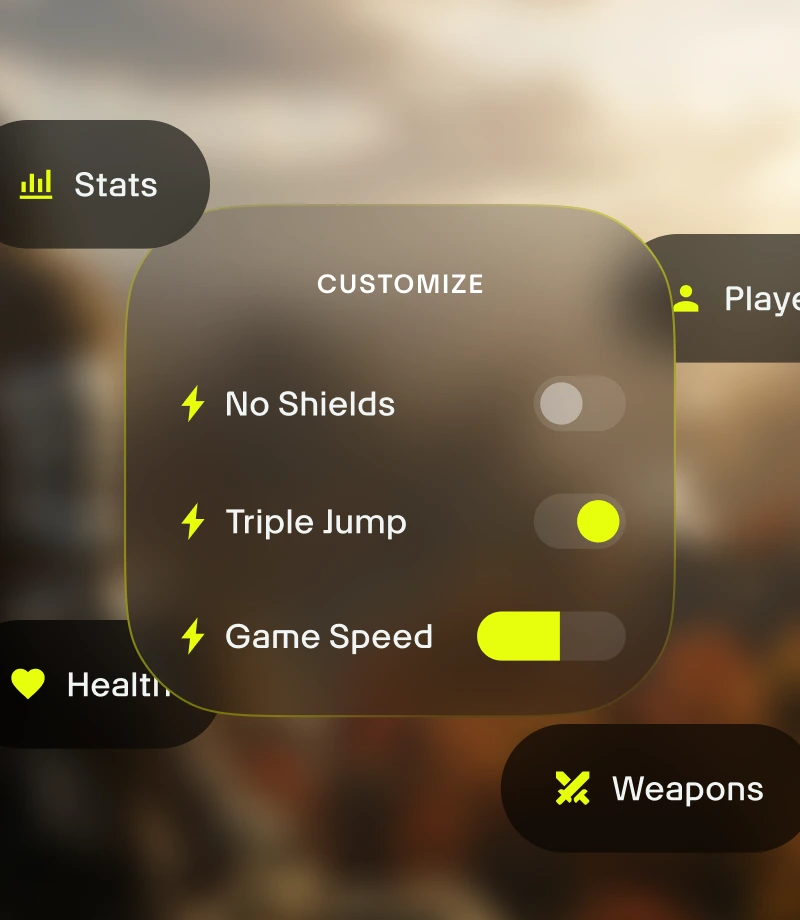
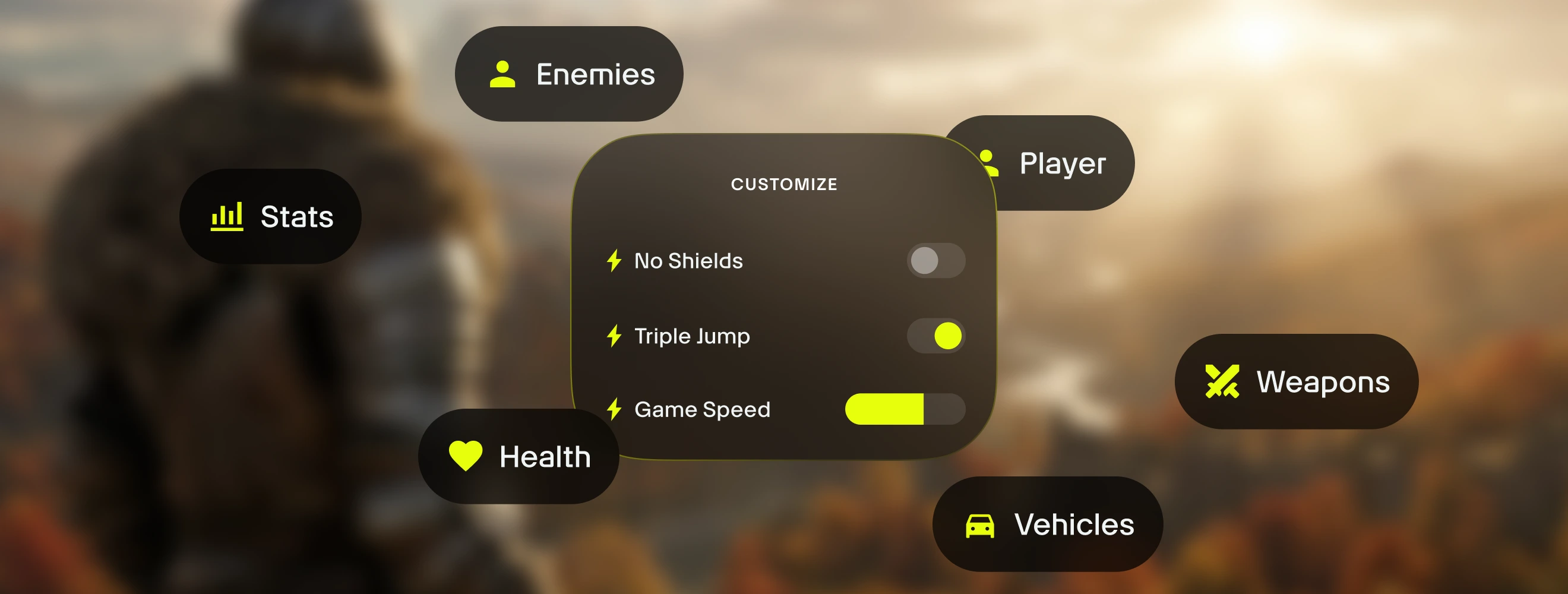
Personalizza il tuo gameplay. Gestisci l'equilibrio del gioco e controlla con precisione le dinamiche di combattimento, la gestione dell'inventario e l'evoluzione del personaggio.
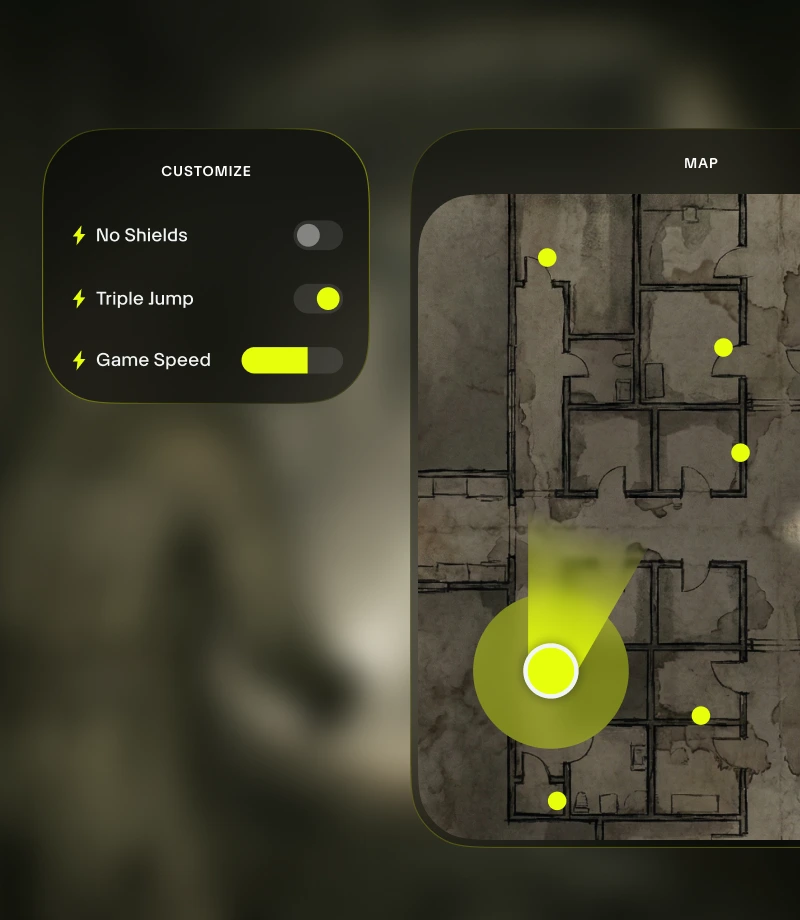
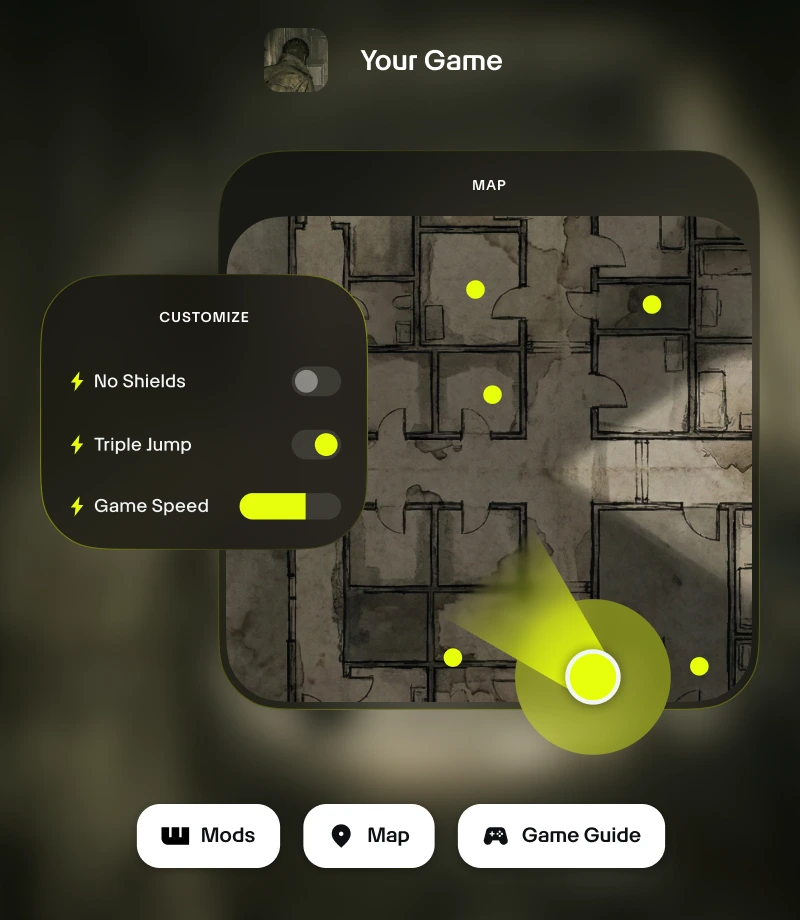
Rimani nel gioco. L'overlay in-game di Wand ti consente di accedere a tutti gli strumenti essenziali con un clic, dalle personalizzazioni di gioco alle mappe in tempo reale.
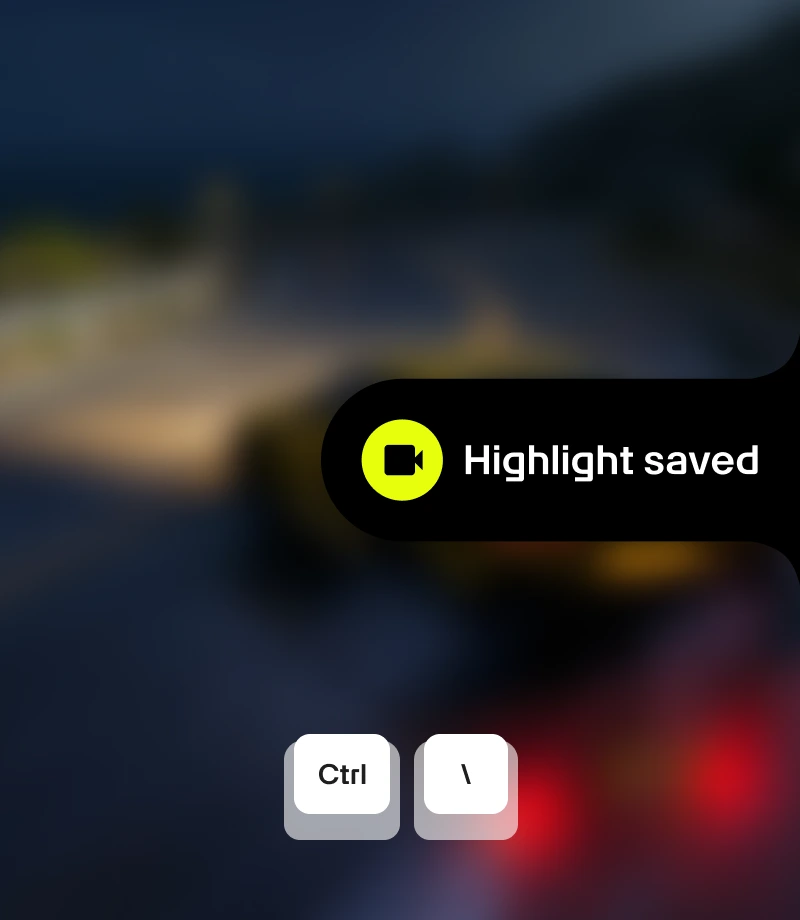
Cattura i momenti memorabili. Registra le tue migliori imprese e condividile con la community con un semplice clic.
strumenti per
Granblue Fantasy: Relink
Scopri tutto il potenziale della tua esperienza con Granblue Fantasy: Relink grazie alle 36 personalizzazioni di gioco selezionate di create da FLiNG. Grazie a funzioni come Modalità Dio / Ignora Colpi, Salute Illimitata, Indicatore d'Arte Max Skybound, Collegamento Max e Arti Max, Wand ti consente di bilanciare il gioco con precisione grazie ad attivazioni/disattivazioni istantanee tramite interruttori in-app o l'overlay in-game Alt+W.
Collezioni selezionate per ogni stile di gioco
Assistenza - Affina la crescita del tuo personaggio. Personalizza la tua esperienza di gioco in maniera bilanciata con Imposta Velocità di Movimento, Moltiplicatore di Difesa, Modifica Oro e Modifica MSP.
Perfezionamento - Prendi il controllo del gioco. Migliora l'esperienza con nuove funzioni come Imposta Velocità di Gioco.
Sandbox - Nessuna regola da seguire. Sperimenta senza limiti e gioca in totale libertà con Modalità Dio / Ignora Colpi, Salute Illimitata, Indicatore d'Arte Max Skybound e Collegamento Max.
Facilità - Rendi il gioco meno impegnativo. Personalizza le dinamiche di gioco senza compromettere l'esperienza grazie a Oggetti di Recupero Illimitati.
Come usare per Granblue Fantasy: Relink
Wand è progettato per essere rapido e intuitivo come il gioco stesso. Segui questi tre semplici passaggi per iniziare a personalizzare la tua avventura. Wand rileva automaticamente i tuoi giochi e ti consente di usare subito gli strumenti.
1
Lancia il gioco. Apri l'app Wand e avvia Granblue Fantasy: Relink direttamente dalla tua libreria.
2
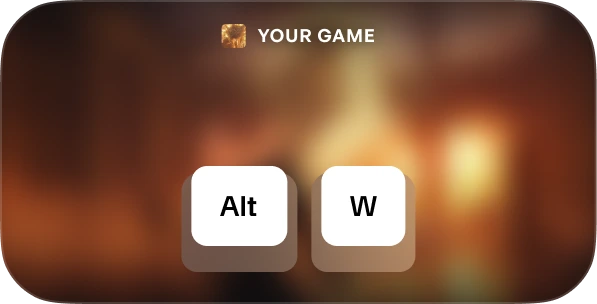
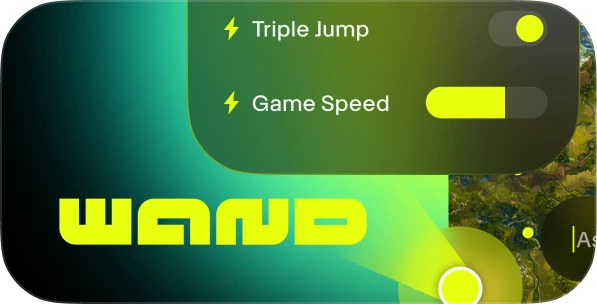
Attiva il menu. Quando sei nel gioco premi Alt+W in qualsiasi momento per visualizzare il kit degli strumenti.
3
Scegli il tuo strumento. Attiva/disattiva gli assistenti di gioco preferiti, apri la mappa interattiva o registra una clip all'istante.
FAQs
Wand è affidabile? Sì. Wand è sviluppato esclusivamente per esperienze single-player e non interagisce direttamente con i sistemi anti-cheat di piattaforme come Steam, Epic Games e Xbox. Puoi personalizzare il gioco senza compromettere la tua libreria o la reputazione del tuo account. Scopri le recensioni su Trustpilot.
Wand cambierà in modo definitivo i miei file di gioco? Wand protegge l'installazione principale del gioco funzionando nella memoria del sistema anziché apportare modifiche permanenti ai file di installazione. Per maggiore sicurezza, consigliamo in ogni caso di fare un backup dei tuoi salvataggi quando usi strumenti di terze parti.
Funziona con la versione specifica del mio gioco? Wand utilizza una tecnologia avanzata per rilevare automaticamente la versione del gioco in esecuzione. Le mappe interattive e le guide intelligenti sono disponibili per tutte le versioni e il nostro sistema garantisce sempre l'utilizzo degli assistenti di gioco più compatibili.
Ti piace quello che vedi?
Scarica gratis e scopri come milioni di giocatori hanno migliorato la propria esperienza grazie agli assistenti di gioco, alle mappe interattive, alle guide di gioco e a molto altro in Granblue Fantasy: Relink o in uno degli oltre 3.500 giochi supportati da Wand!