PC Building Simulator 2
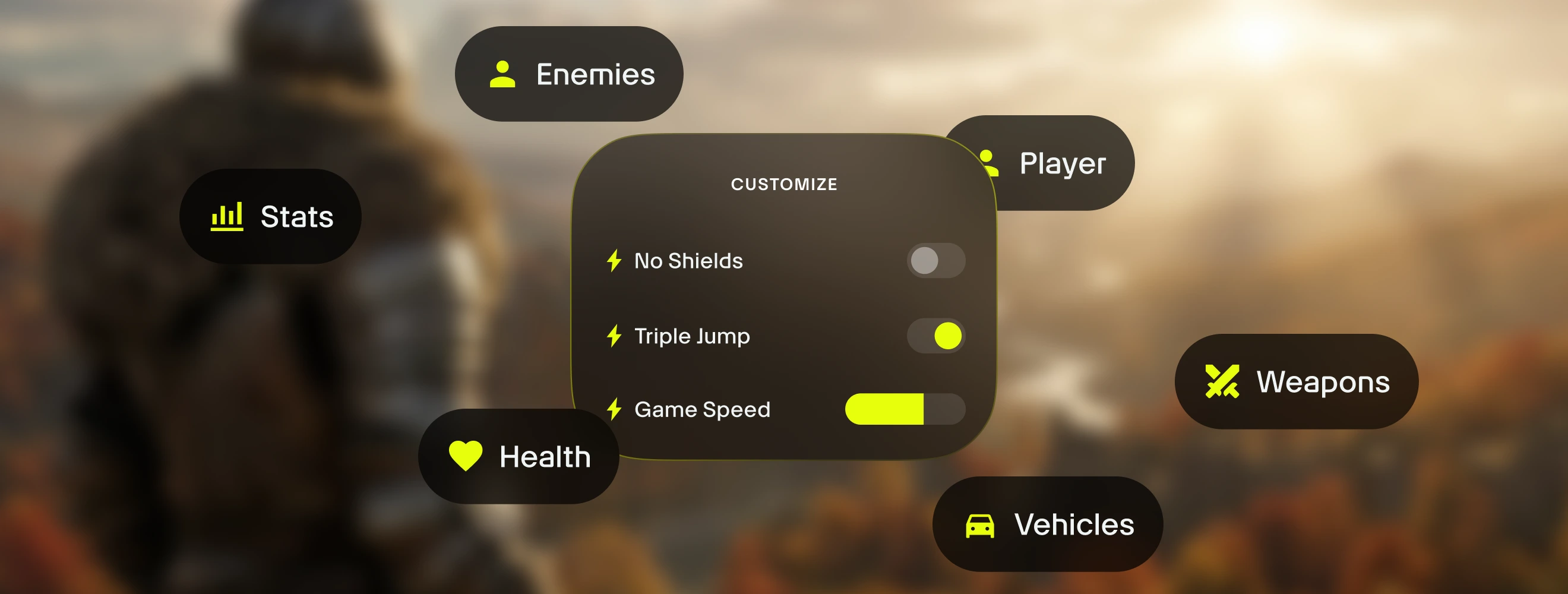
è l'app tutto in uno per PC Building Simulator 2 e oltre 3.500 altri giochi per giocatore singolo. Attiva/disattiva all'istante 9 assistenti di gioco — incluso Modifica denaro, Moltiplicatore di Denaro, Max Exp, Moltiplicatore di Exp e Installazione Istantanea App — direttamente all'interno di PC Building Simulator 2 mediante un overlay in-game semplice e fluido. Con Alt+W puoi accedere ai tuoi strumenti senza interrompere il gioco.
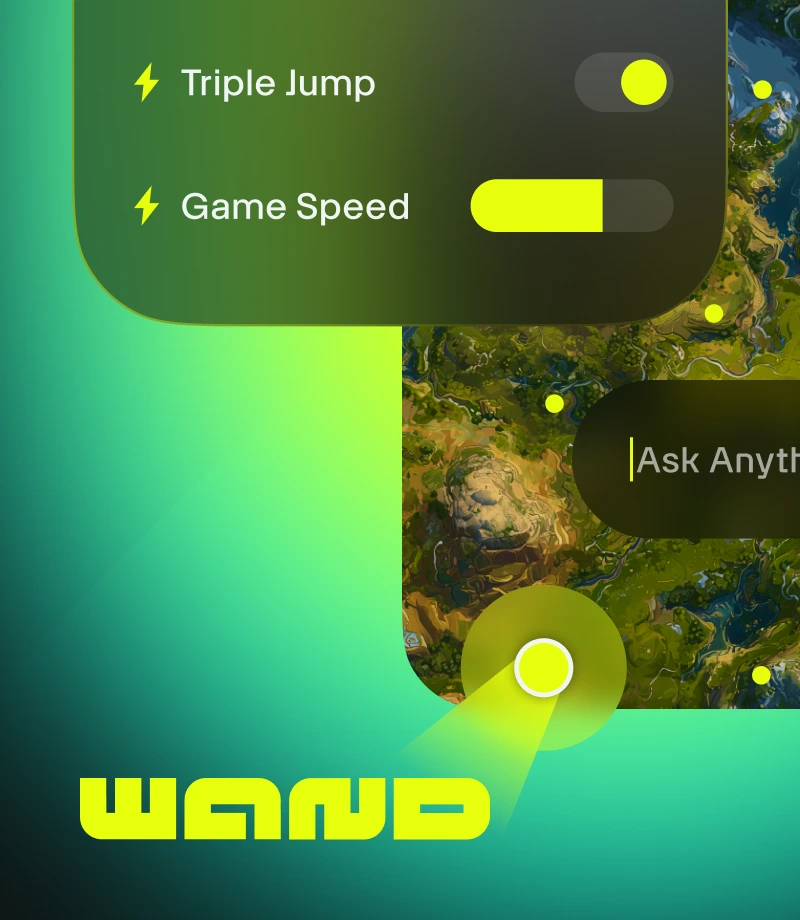
Wand trasforma il gaming in magia. Migliora oltre 3.500 giochi single-player come PC Building Simulator 2 grazie a strumenti intuitivi che eliminano gli ostacoli al divertimento.
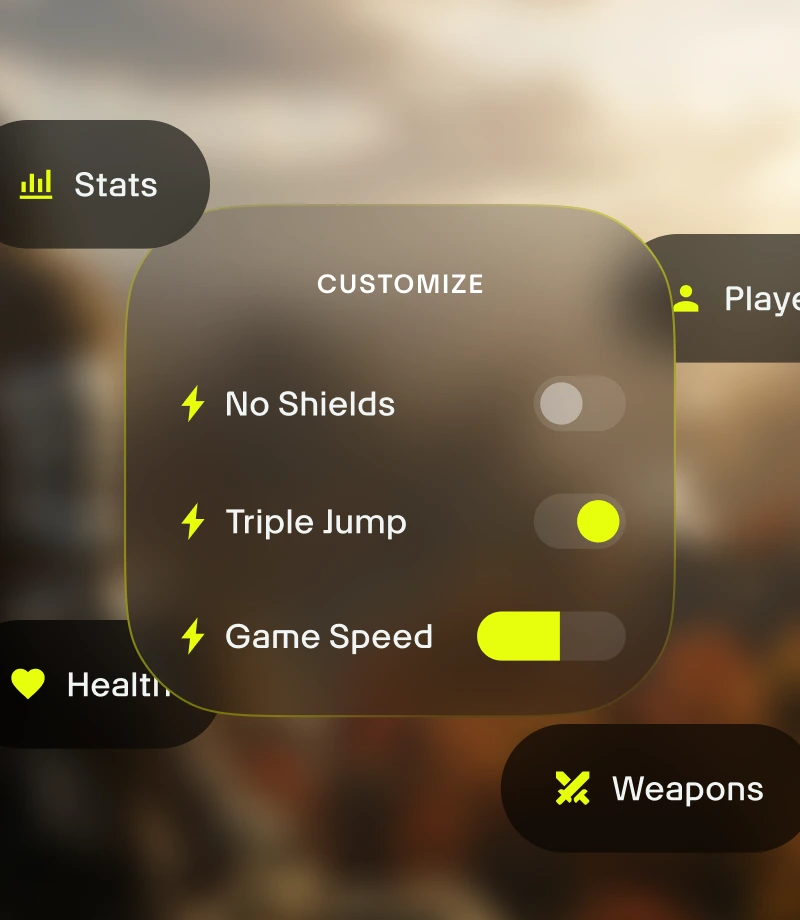
Personalizza il tuo gameplay. Gestisci l'equilibrio del gioco e controlla con precisione le dinamiche di combattimento, la gestione dell'inventario e l'evoluzione del personaggio.
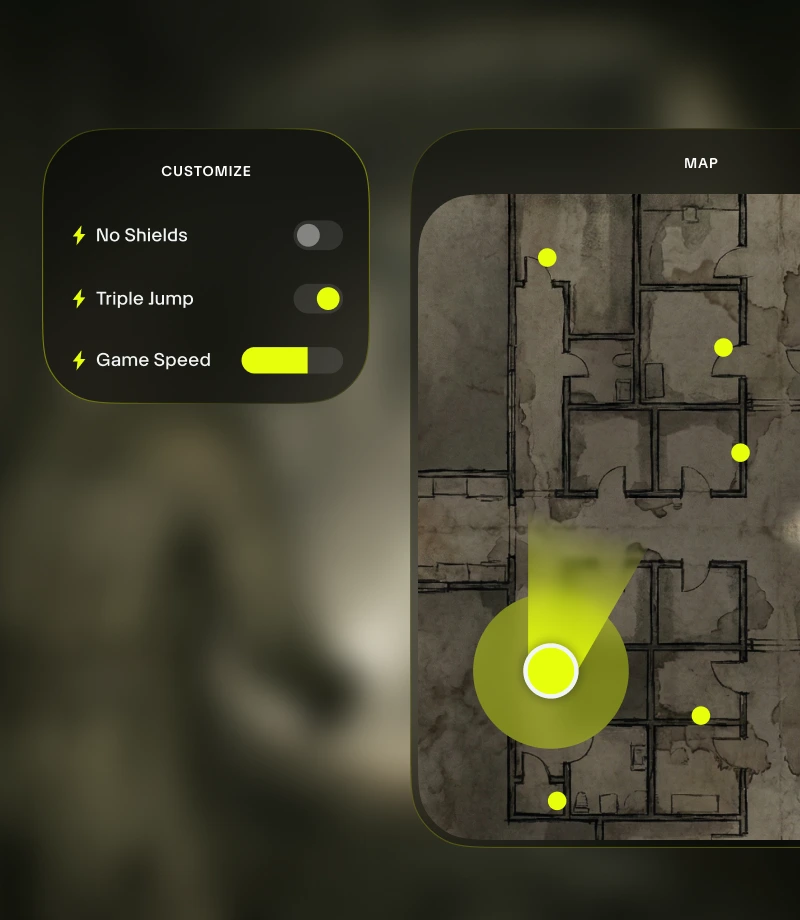
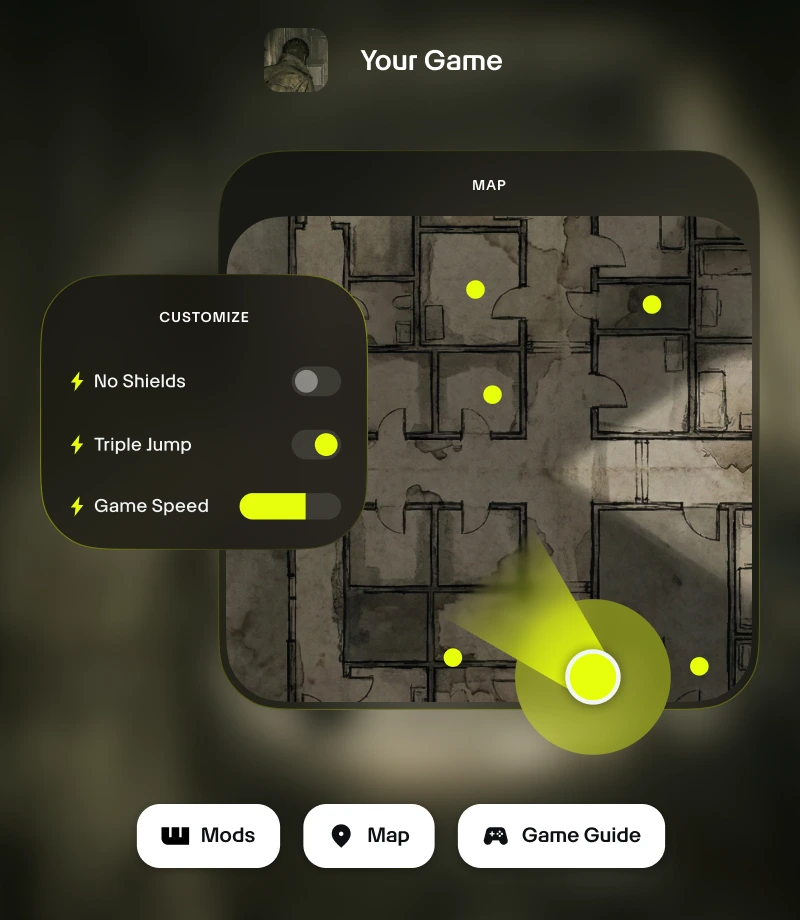
Rimani nel gioco. L'overlay in-game di Wand ti consente di accedere a tutti gli strumenti essenziali con un clic, dalle personalizzazioni di gioco alle mappe in tempo reale.

Cattura i momenti memorabili. Registra le tue migliori imprese e condividile con la community con un semplice clic.
strumenti per
PC Building Simulator 2
Scopri tutto il potenziale della tua esperienza con PC Building Simulator 2 grazie alle 9 personalizzazioni di gioco selezionate di create da FLiNG. Grazie a funzioni come Modifica denaro, Moltiplicatore di Denaro, Max Exp, Moltiplicatore di Exp e Installazione Istantanea App, Wand ti consente di bilanciare il gioco con precisione grazie ad attivazioni/disattivazioni istantanee tramite interruttori in-app o l'overlay in-game Alt+W.
Collezioni selezionate per ogni stile di gioco
Assistenza - Affina la crescita del tuo personaggio. Personalizza la tua esperienza di gioco in maniera bilanciata con Modifica denaro, Moltiplicatore di Denaro, Max Exp e Moltiplicatore di Exp.
Perfezionamento - Prendi il controllo del gioco. Migliora l'esperienza con nuove funzioni come Imposta Velocità di Gioco.
Come usare per PC Building Simulator 2
Wand è progettato per essere rapido e intuitivo come il gioco stesso. Segui questi tre semplici passaggi per iniziare a personalizzare la tua avventura. Wand rileva automaticamente i tuoi giochi e ti consente di usare subito gli strumenti.
1
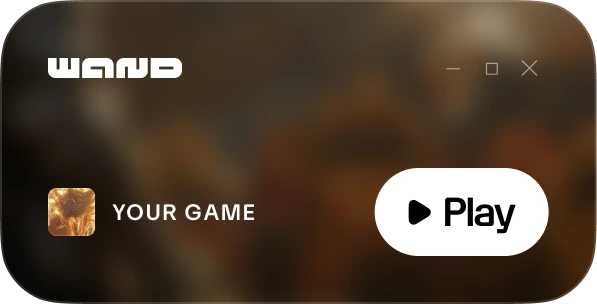
Lancia il gioco. Apri l'app Wand e avvia PC Building Simulator 2 direttamente dalla tua libreria.
2
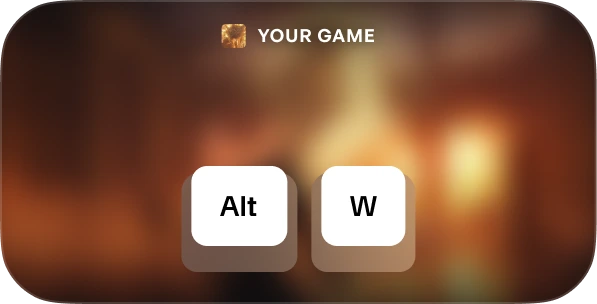
Attiva il menu. Quando sei nel gioco premi Alt+W in qualsiasi momento per visualizzare il kit degli strumenti.
3
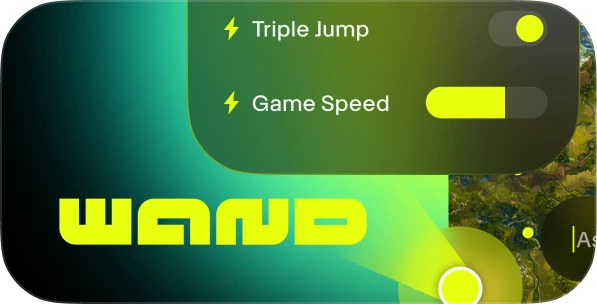
Scegli il tuo strumento. Attiva/disattiva gli assistenti di gioco preferiti, apri la mappa interattiva o registra una clip all'istante.
FAQs
Wand è affidabile? Sì. Wand è sviluppato esclusivamente per esperienze single-player e non interagisce direttamente con i sistemi anti-cheat di piattaforme come Steam, Epic Games e Xbox. Puoi personalizzare il gioco senza compromettere la tua libreria o la reputazione del tuo account. Scopri le recensioni su Trustpilot.
Wand cambierà in modo definitivo i miei file di gioco? Wand protegge l'installazione principale del gioco funzionando nella memoria del sistema anziché apportare modifiche permanenti ai file di installazione. Per maggiore sicurezza, consigliamo in ogni caso di fare un backup dei tuoi salvataggi quando usi strumenti di terze parti.
Funziona con la versione specifica del mio gioco? Wand utilizza una tecnologia avanzata per rilevare automaticamente la versione del gioco in esecuzione. Le mappe interattive e le guide intelligenti sono disponibili per tutte le versioni e il nostro sistema garantisce sempre l'utilizzo degli assistenti di gioco più compatibili.
Ti piace quello che vedi?
Scarica gratis e scopri come milioni di giocatori hanno migliorato la propria esperienza grazie agli assistenti di gioco, alle mappe interattive, alle guide di gioco e a molto altro in PC Building Simulator 2 o in uno degli oltre 3.500 giochi supportati da Wand!