
The Last of Us Part I
The Last of Us Part I और 3,500+ अन्य सिंगल प्लेयर PC गेम्स के लिए ऑल-इन-वन कंपैनियन ऐप है।तुरंत 26 गेमप्ले सहायताएँ टॉगल करें — जिसमें गॉड मोड / हिट्स अनदेखा करें, अनलिमिटेड स्वास्थ्य, अनलिमिटेड स्टैमिना, असीमित गोला-बारूद, और कोई रीलोड नहीं शामिल हैं — सीधे The Last of Us Part I के अंदर एक आसान इन-गेम ओवरले का इस्तेमाल करके। गेम के एक्शन से बाहर निकले बिना, Alt+W के साथ अपने उपकरणों को ऐक्सेस करें।
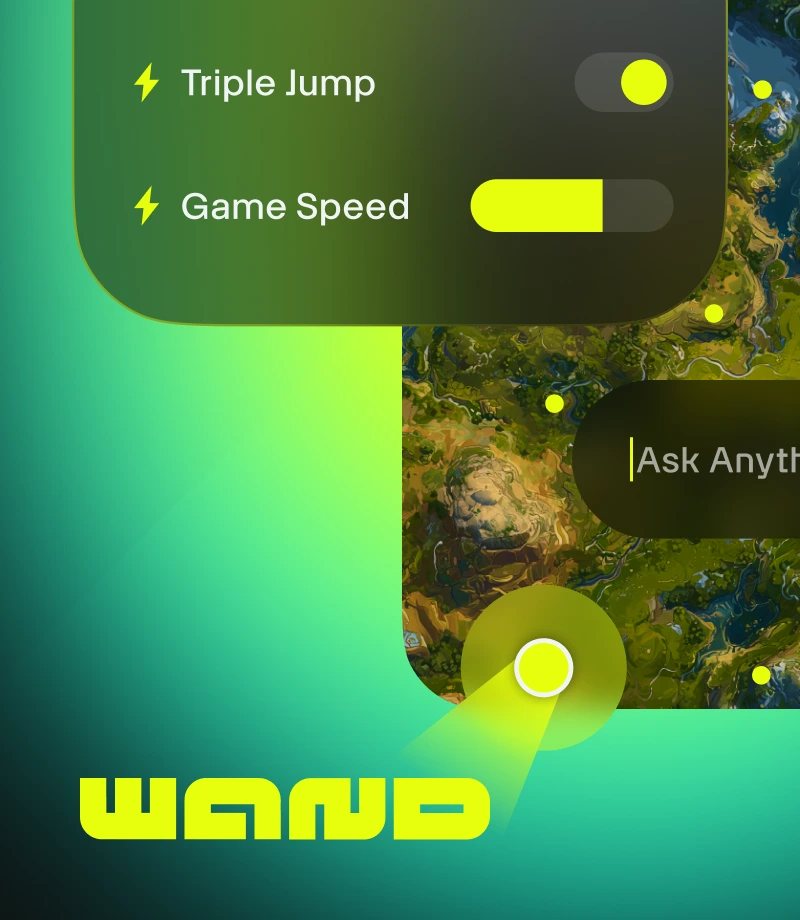
Wand गेमिंग को जादुई बना देता है। The Last of Us Part I जैसे 3500 से ज़्यादा सिंगल-प्लेयर गेम्स को आसान टूल्स के साथ बेहतर बनाएँ। यह गेम का मज़ा लेने के रास्ते में आने वाली बाधाओं को दूर करता है।
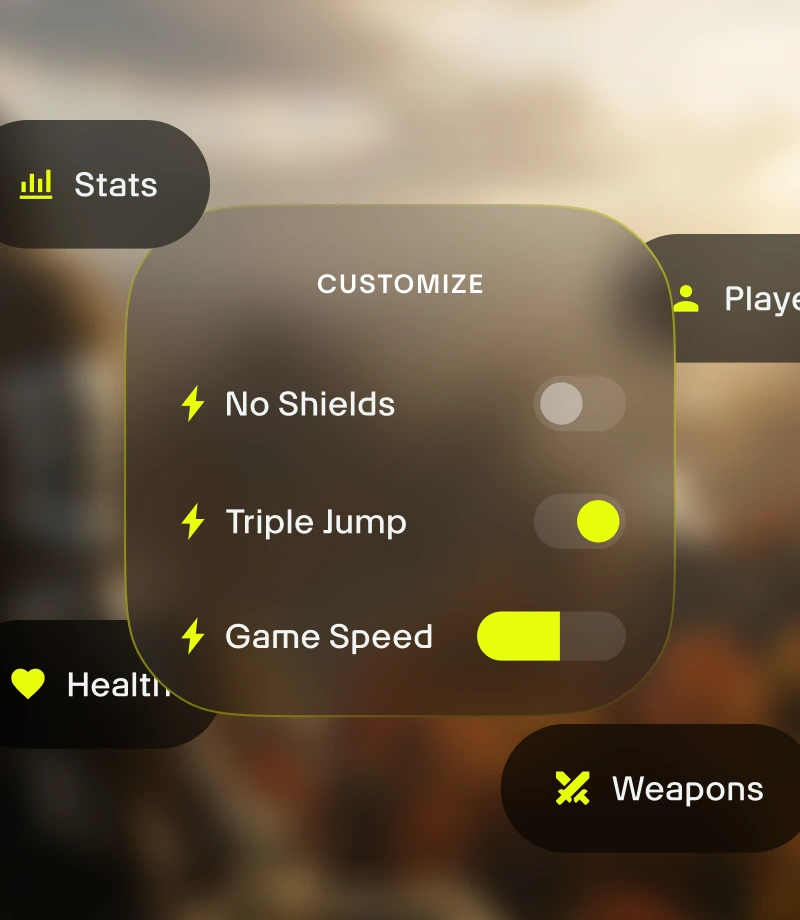
अपने गेमप्ले को कस्टमाइज़ करें। गेम बैलेंस को मैनेज करें और युद्ध गतिशीलता, इन्वेंटरी मैनेजमेंट और किरदारों की प्रगति को सटीक रूप से नियंत्रित करें।

गाइड से कुछ भी पूछें। Wand के गेम गाइड्स, गेम के बारे में किसी भी सवाल का जवाब पाने का सबसे तेज़ तरीका है।
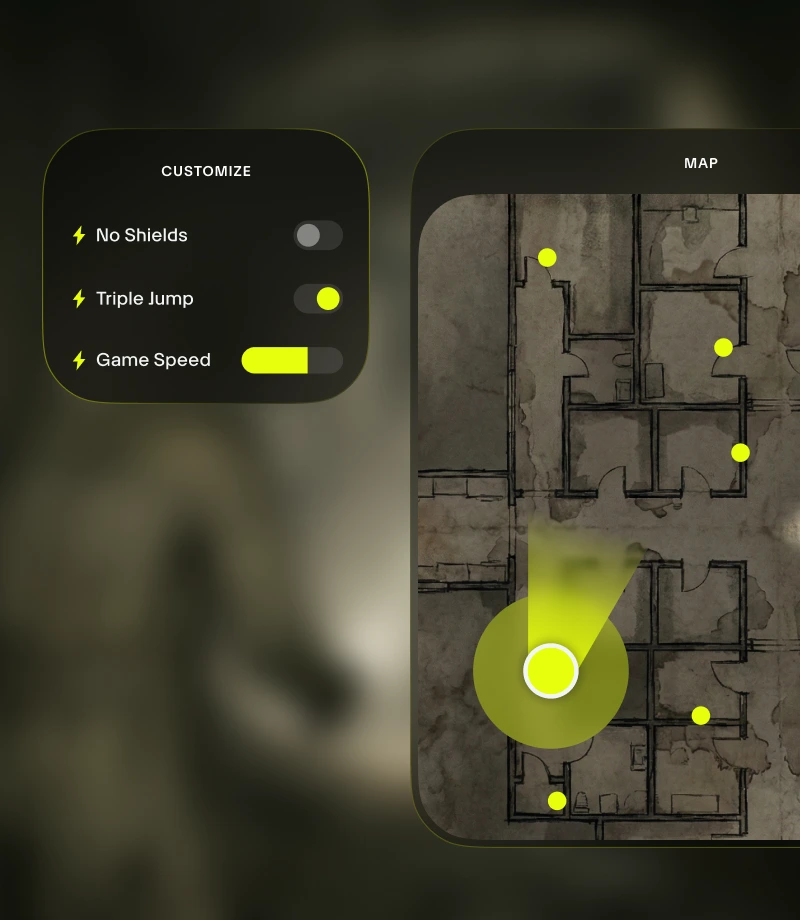
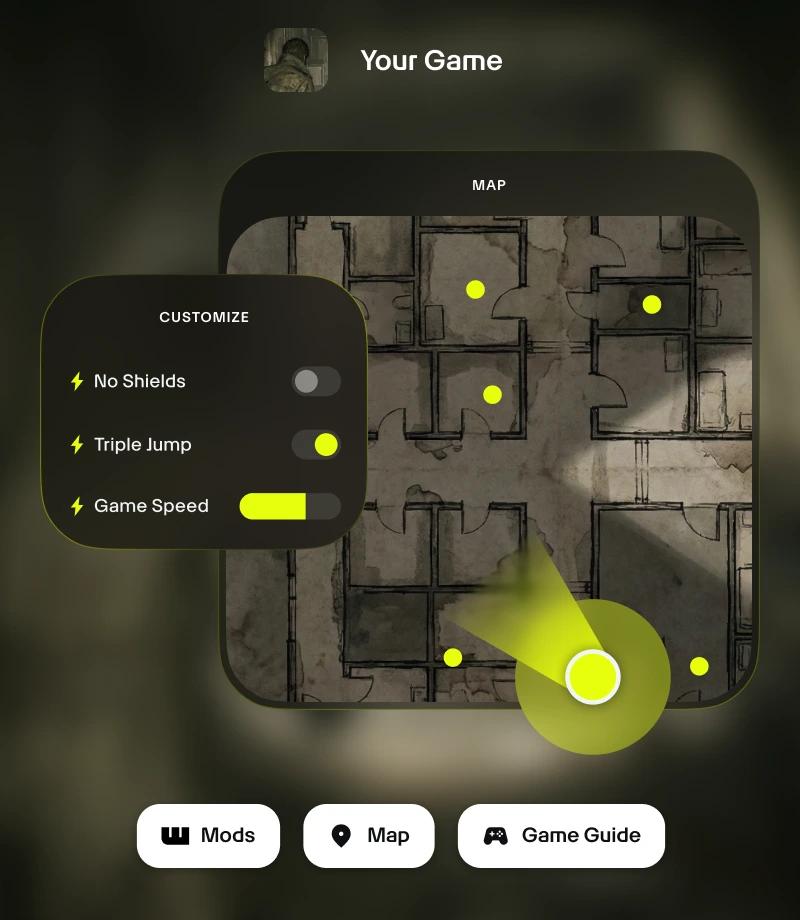
गेम में बने रहें। Wand का इन-गेम ओवरले आपको अपने सभी ज़रूरी टूल्स का बस 1-क्लिक में ऐक्सेस देता है - गेमप्ले कस्टमाइज़ेशन से लेकर रियल-टाइम मैप्स तक।
अपने सबसे शानदार (एपिक) पलों को क्लिप करें। अपने सबसे बेहतरीन पलों को रिकॉर्ड करें और बस एक क्लिक में उसे अपनी कम्यूनिटी के साथ शेयर करें।
के लिए उपकरण
The Last of Us Part I
FLiNG द्वारा बनाए गए के 26 क्यूरेटेड गेमप्ले कस्टमाइज़ेशन के साथ अपने The Last of Us Part I अनुभव की पूरी क्षमता को अनलॉक करें। Wand गॉड मोड / हिट्स अनदेखा करें, अनलिमिटेड स्वास्थ्य, अनलिमिटेड स्टैमिना, असीमित गोला-बारूद, और कोई रीलोड नहीं जैसी सुविधाओं के साथ गेम बैलेंस को मैनेज करने का एक बेहतर तरीका प्रदान करता है, जो आपको इन-ऐप स्विच या Alt+W इन-गेम ओवरले के ज़रिए ऐक्सेस किए जा सकने वाले इंस्टेंट ऑन/ऑफ़ टॉगल के साथ सटीक नियंत्रण देता है।
गेम खेलने के हर तरह के स्टाइल के लिए क्यूरेटेड कलेक्शन्स
सहायता - अपने कैरेक्टर के विकास को फ़ाइन-ट्यून करें। पूरक (कौशल बिंदु) संपादित करें, पार्ट्स संपादित करें, अल्कोहल संपादित करें, और रैग संपादित करें के साथ संतुलित तरीके से अपने गेम अनुभव को पर्सनलाइज़ बनाएँ।
सुगमता - तनाव कम करें। कोई रीलोड नहीं, Flamethrower No Reload, और शिल्प आवश्यकताओं को अनदेखा करें के साथ गेम को तोड़े बिना गेम मेकैनिक्स को एडजस्ट करें।
परिष्करण - अपने गेम का नियंत्रण अपने हाथों में लें। सुपर सटीकता, कोई वापसी नहीं, तेज़ फायर, और रक्षा गुणक जैसी नई सुविधाओं के साथ अपने गेम को बेहतर बनाएँ।
सैंडबॉक्स - सभी नियमों को तोड़ें। गॉड मोड / हिट्स अनदेखा करें, अनलिमिटेड स्वास्थ्य, अनलिमिटेड स्टैमिना, और असीमित गोला-बारूद के साथ प्रयोग और तनाव मुक्त खेल का आनंद लें।
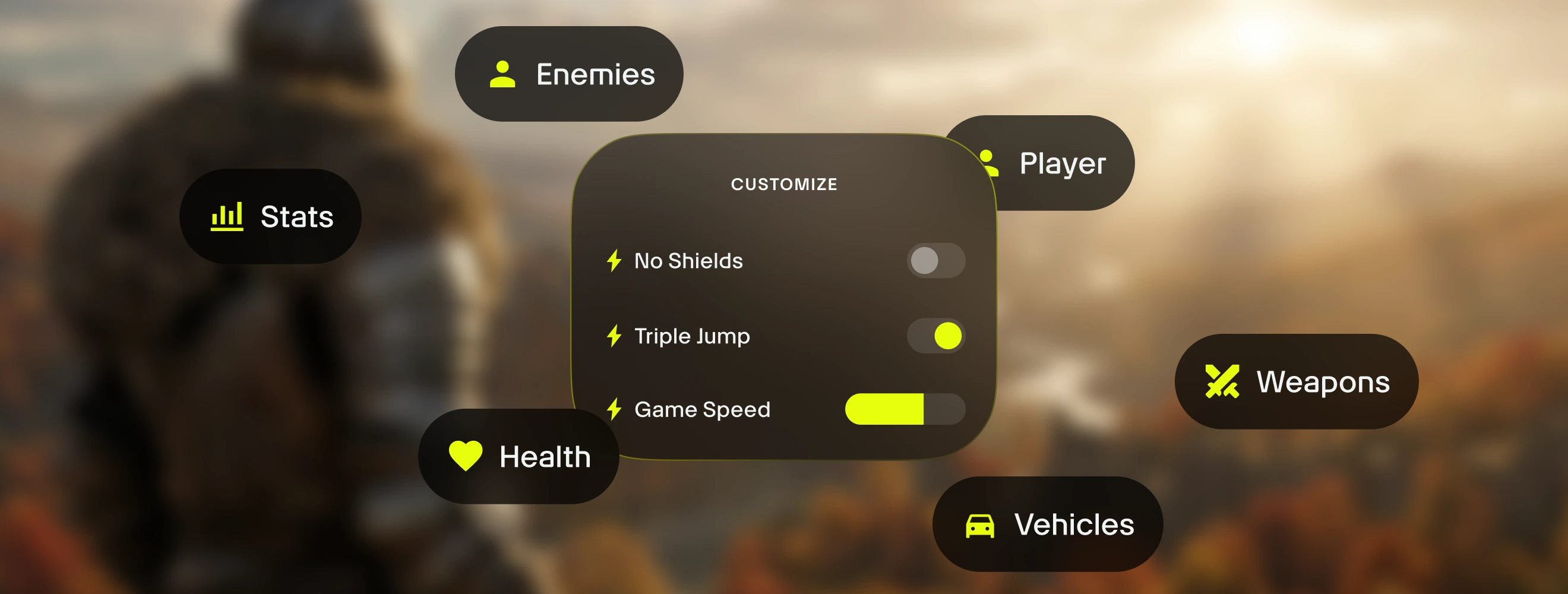
The Last of Us Part I के लिए का उपयोग कैसे करें
Wand को गेम की तरह ही तेज़ और गतिशील होने के लिए डिज़ाइन किया गया है। अपने एडवेंचर को कस्टमाइज़ करना शुरू करने के लिए इन तीन आसान चरणों का पालन करें। Wand ऑटोमैटिक तरीके से आपके गेम्स को ढूँढता है और आपको तुरंत उपकरणों का उपयोग शुरू करने की अनुमति देता है।
1
अपना गेम लॉन्च करें। Wand ऐप खोलें और अपनी लाइब्रेरी से सीधे The Last of Us Part I को लॉन्च करें।
2
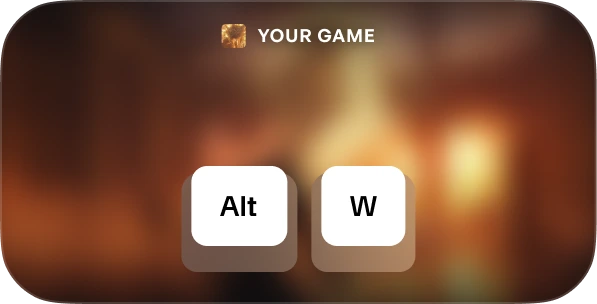
मेन्यू को ऐक्टिवेट करें। एक बार गेम में आने के बाद, अपना टूलकिट लाने के लिए किसी भी समय Alt+W दबाएँ।
3
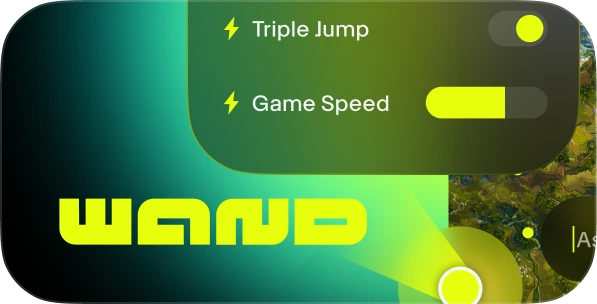
अपना टूल चुनें। अपनी पसंदीदा गेमप्ले सहायताओं को टॉगल करें, इंटरैक्टिव मैप खोलें, या तुरंत क्लिप रिकॉर्ड करें।
FAQs
क्या Wand सुरक्षित है? हाँ। Wand को मुख्य रूप से सिंगल-प्लेयर अनुभवों के लिए विकसित किया गया है और यह Steam, Epic Games, और Xbox जैसे प्लेटफॉर्म पर एंटी-चीट सिस्टम के साथ सीधे इंटरैक्ट नहीं करता है। आप अपनी अकाउंट लाइब्रेरी या अपनी खुद की स्थिति को जोखिम में डाले बिना अपना गेम पर्सनलाइज़ बनाने के लिए स्वतंत्र हैं। Trustpilot पर हमारी समीक्षाएँ देखें।
क्या Wand मेरी गेम फ़ाइलों को स्थायी रूप से बदल देगा? Wand आपकी इंस्टॉलेशन फ़ाइलों को स्थायी रूप से एडिट करने के बजाय आपके सिस्टम की मेमोरी में रन करके आपकी मुख्य गेम इंस्टॉलेशन की सुरक्षा करता है। हम अभी भी आपकी प्रगति की सुरक्षा सुनिश्चित करने के लिए किसी भी तीसरे पक्ष के उपकरणों का उपयोग करते समय अपने सेव किए गए डेटा का बैकअप लेने की सलाह देते हैं।
क्या यह मेरे विशिष्ट गेम वर्जन के साथ काम करेगा? Wand आपके द्वारा चलाए जा रहे गेम के वर्जन को स्वचालित रूप से पहचानने के लिए उन्नत तकनीक का उपयोग करता है। इंटरैक्टिव मैप्स और स्मार्ट गाइड्स सभी वर्जन के लिए उपलब्ध हैं, और हमारा सिस्टम यह सुनिश्चित करता है कि आप हमेशा सबसे कंपैटिबल गेमप्ले असिस्ट ही रन करें।
आपको जो दिख रहा है, उसे लाइक करें?
को निःशुल्क डाउनलोड करें और गेम सहायताओं, इंटरैक्टिव मैप्स, गेम गाइड्स और The Last of Us Part I या Wand के समर्थित 3500+ अन्य गेम्स में से किसी एक में अधिक सुविधाओं के साथ लेवल अप करने वाले लाखों खिलाड़ियों से जुड़ें!