Compass in Wand Maps

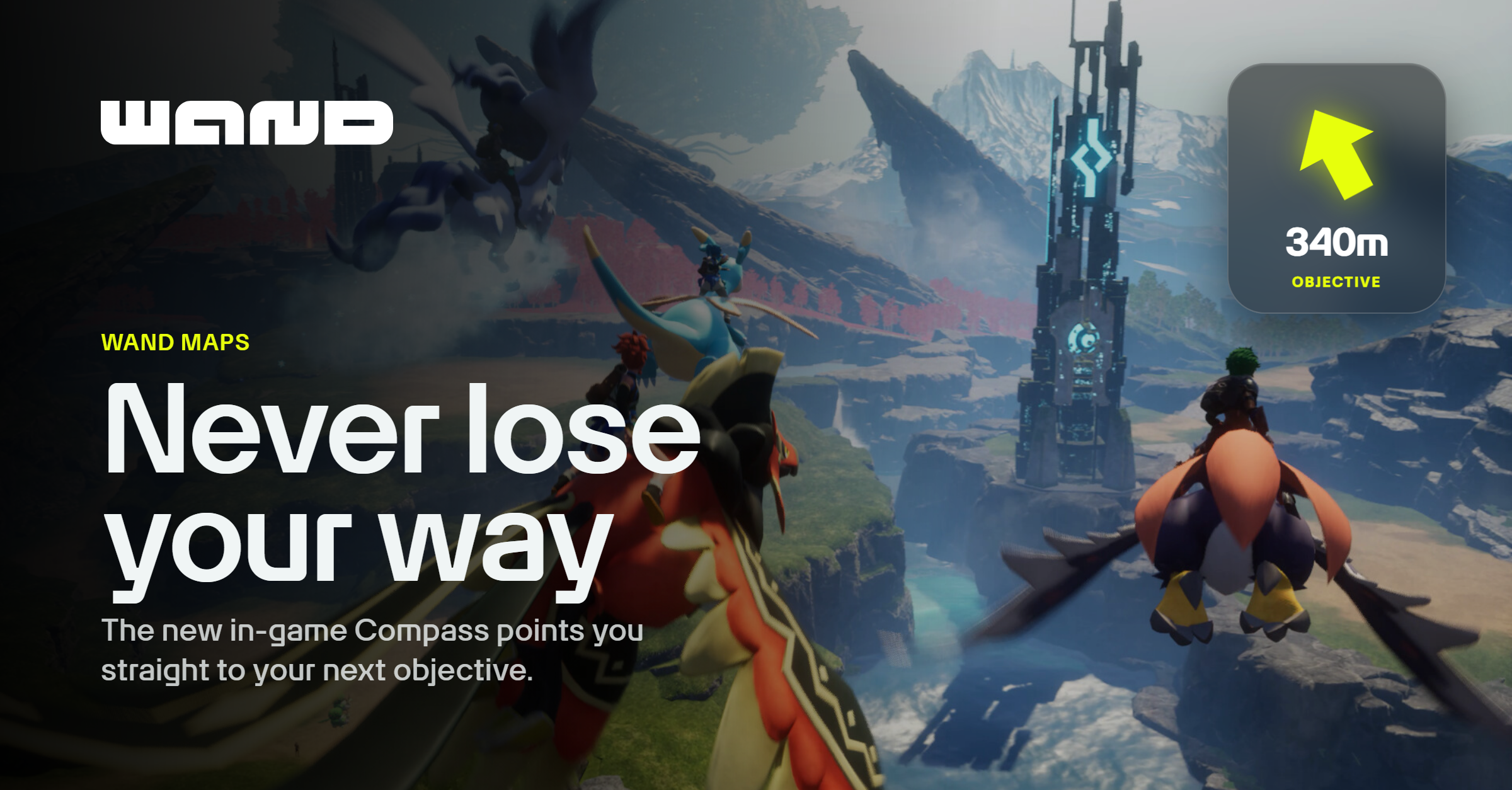
Sometimes a big open-world game makes you want to skip the walk and get straight to the good part. You know where the quest item is, it's clear across the map, and you don't want to spend ten minutes getting there just to spend another ten getting back. That's what our teleport feature is for.
Other times though, you're in the mood for the walk. You want to see what's along the way and take your time exploring the world. The only catch is you don't want to get so turned around that you can't find what you originally set out for.
Compass is built for that second scenario. Open the map in Wand's in-game overlay, and you'll see a small compass icon on any pin. Click it and Compass launches as a small widget that stays on screen while you play, pointing you toward that spot and updating live as you move and turn. When your target is above or below you, it switches to a 3D arrow. As you get close, it tightens up so you can find the exact spot instead of circling it.
In Palworld, that might mean tracking a base site you found earlier, a resource node on the way to somewhere else, or a Pal you've been trying to catch. You keep playing, and Compass keeps pointing you in the right direction.
Compass pairs naturally with Checklists, the completion tracker built into Wand Maps. Mark a base site, a resource node, or a Pal spawn you want to come back for, and instead of holding the location in your head, you click the pin's compass icon whenever you're ready and follow it straight there. It works the same way with custom pins you've dropped yourself, not just the ones already on the map.
It's live now for Palworld, with more games coming soon. Try it out and let us know what you think!