Godfall
è l'app tutto in uno per Godfall e oltre 3.500 altri giochi per giocatore singolo. Attiva/disattiva all'istante 9 assistenti di gioco — incluso Unlimited Health, Max Fury Gauge, Unlimited Archon Fury Duration, Player Movement Speed e Player Speed — per personalizzare la tua esperienza e giocare come vuoi tu.
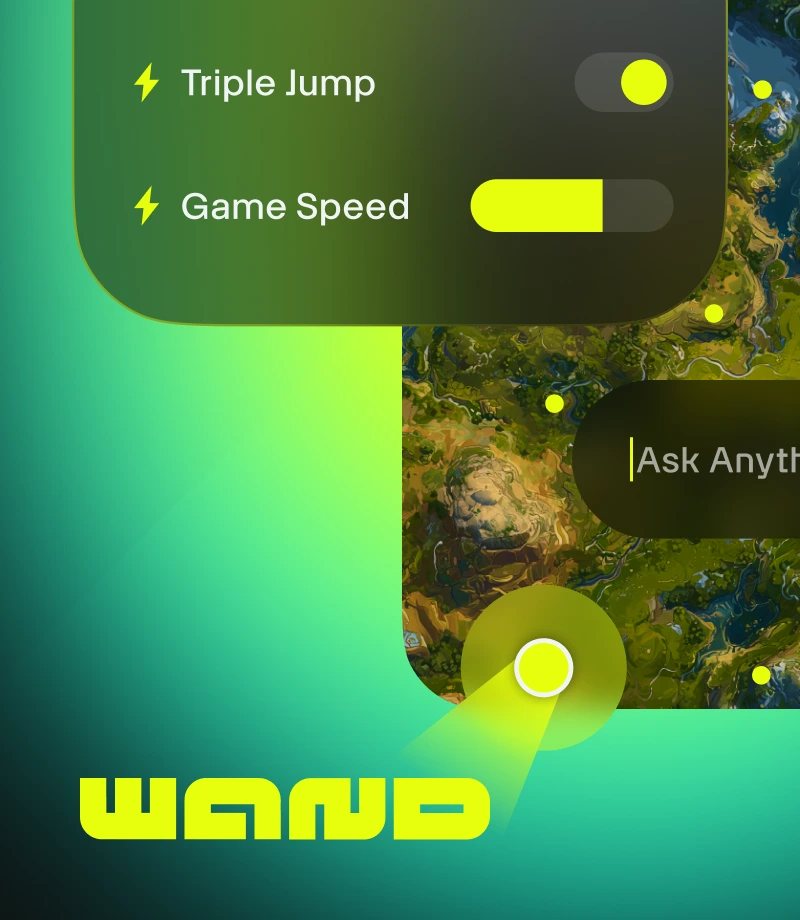
Wand makes gaming magical. Enhance 3500+ single-player games like Godfall with easy tools that remove any obstacle to having fun.
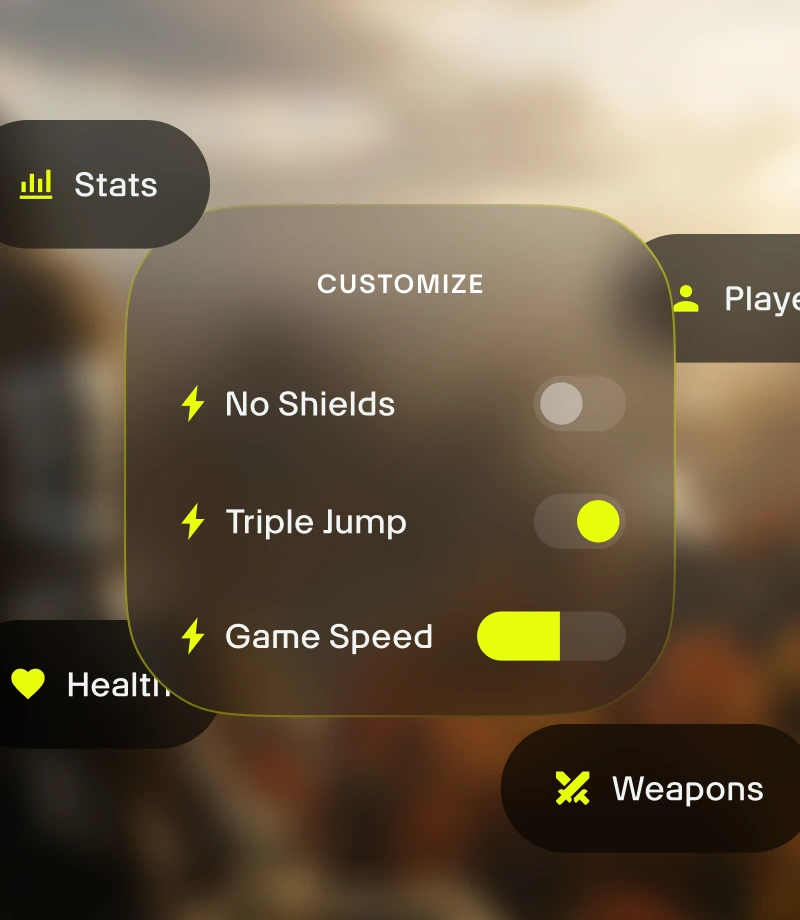
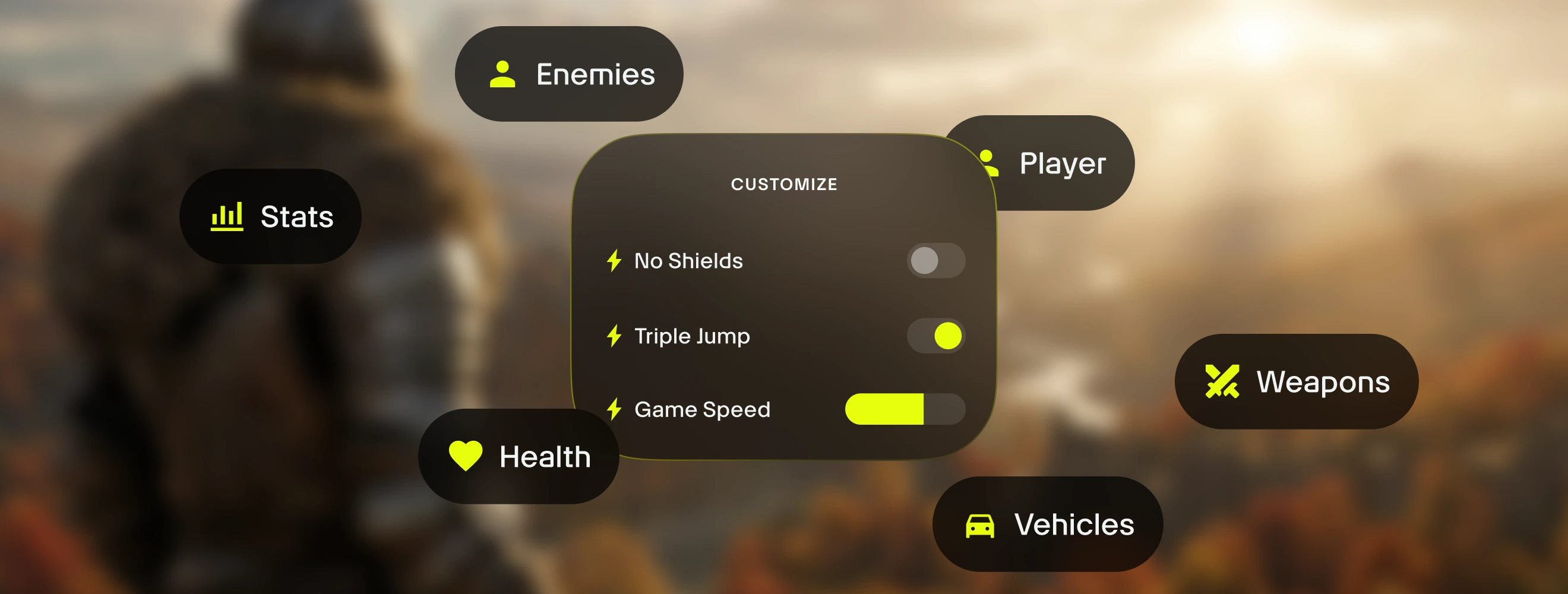
Customize your gameplay. Manage game balance & precisely control combat dynamics, inventory management, and character progression.
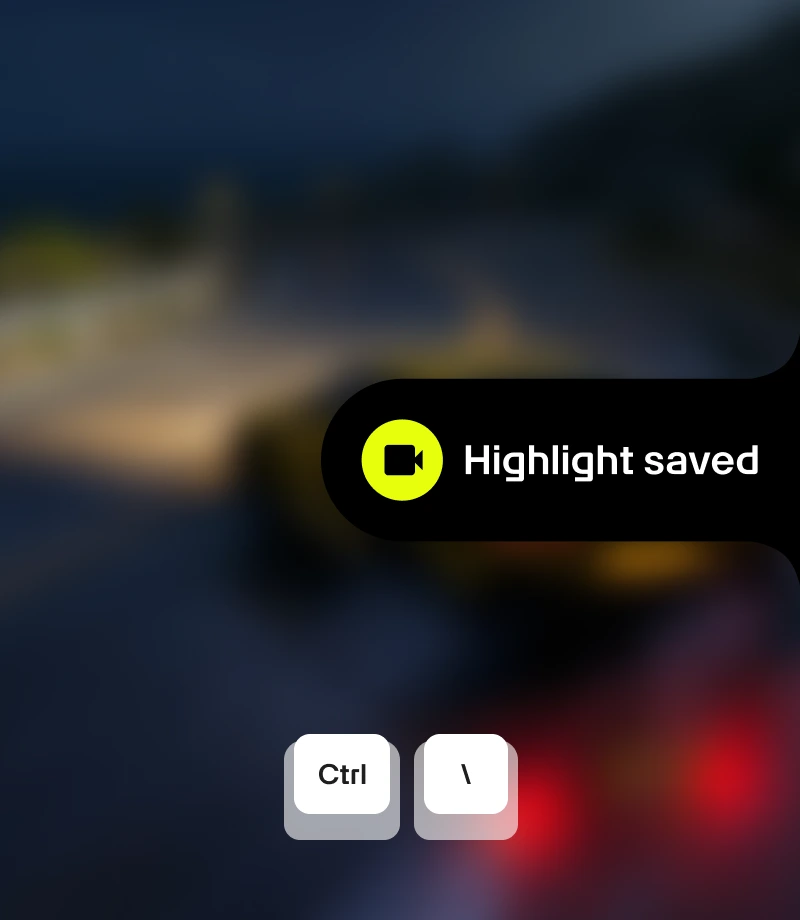
Clip your epic moments. Record your most legendary moments and share with the community with a single click.
tools for
Godfall
Unlock the full potential of your Godfall experience with 's 9 curated gameplay customizations made by FLiNG. Wand offers a refined way to manage game balance with features like Unlimited Health, Max Fury Gauge, Unlimited Archon Fury Duration, Player Movement Speed, and Player Speed, giving you precision control with instant on/off toggles accessible via in-app switches or the Alt+W in-game overlay.
Curated Collections for Every Playstyle
Assist - Fine-tune your character's growth. Personalize your game experience in a balanced way with Player Movement Speed and Player Speed.
Refine - Take control of your game. Enhance your game with new features like Enemy Movement Speed.
Sandbox - Break all the rules. Enjoy experimentation and stress-free play with Unlimited Health, Max Fury Gauge, Unlimited Archon Fury Duration, and Unlimited Weapon Energy / No Technique Cooldown.
Come usare per Godfall
Wand is designed to be as fast and fluid as the game itself. Follow these three simple steps to begin customizing your adventure. Wand automatically find your games and allows you to start using tools right away.
1
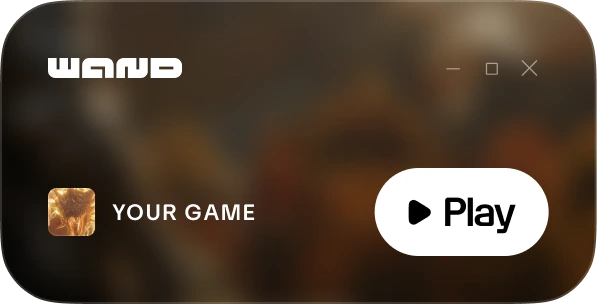
Lancia il gioco. Apri l'app Wand e avvia Godfall direttamente dalla tua libreria.
2
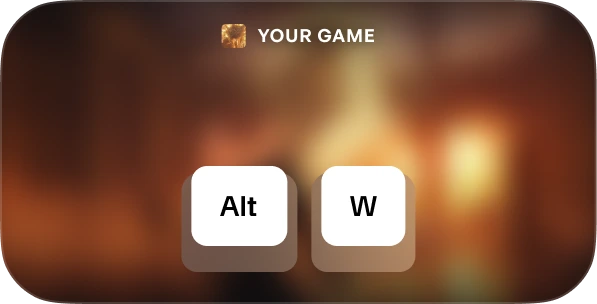
Attiva il menu. Quando sei nel gioco premi Alt+W in qualsiasi momento per visualizzare il kit degli strumenti.
3
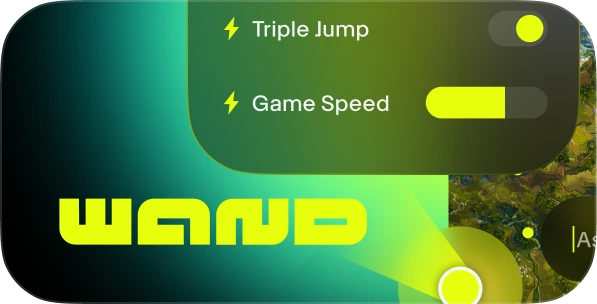
Scegli il tuo strumento. Attiva/disattiva gli assistenti di gioco preferiti, apri la mappa interattiva o registra una clip all'istante.
FAQs
Is Wand safe? Yes. Wand is developed strictly for single-player experiences and doesn't directly interact with anti-cheat systems on platforms like Steam, Epic Games, and Xbox. You are free to personalize your game without putting your account library or standing at risk. Check out our reviews on Trustpilot.
Will Wand permanently change my game files? Wand protects your core game installation by running in your system's memory rather than permanently editing your installation files. We still recommend backing up your save data when using any third-party tools to ensure your progress remains secure.
Will this work with my specific game version? Wand uses advanced technology to automatically detect the version of the game you are running. Interactive maps and smart guides are available for all versions, and our system ensures you're always running the most compatible gameplay assists.
Like what you see?
Scarica gratis e scopri come milioni di giocatori hanno migliorato la propria esperienza grazie agli assistenti di gioco, alle mappe interattive, alle guide di gioco e a molto altro in Godfall o in uno degli oltre 3.500 giochi supportati da Wand!