

SteamWorld Build
est l’application complémentaire tout-en-un pour SteamWorld Build et plus de 3 500 autres jeux PC solo sous .Activez instantanément 9 aides de jeu, y compris Unlimited Money, Edit Money, Unlimited Resources, Quick Train Arrival Time et Super Train Speed — directement dans SteamWorld Build en utilisant un overlay intégré au jeu. Accédez à vos outils avec Alt + W sans quitter votre partie.
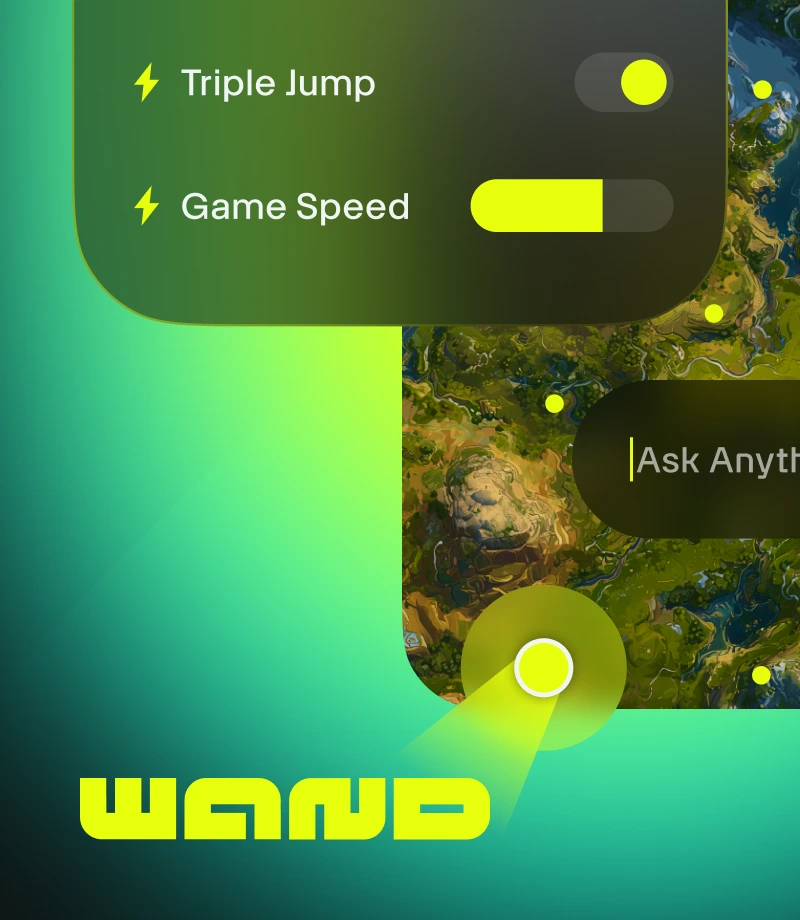
Wand makes gaming magical. Enhance 3500+ single-player games like SteamWorld Build with easy tools that remove any obstacle to having fun.
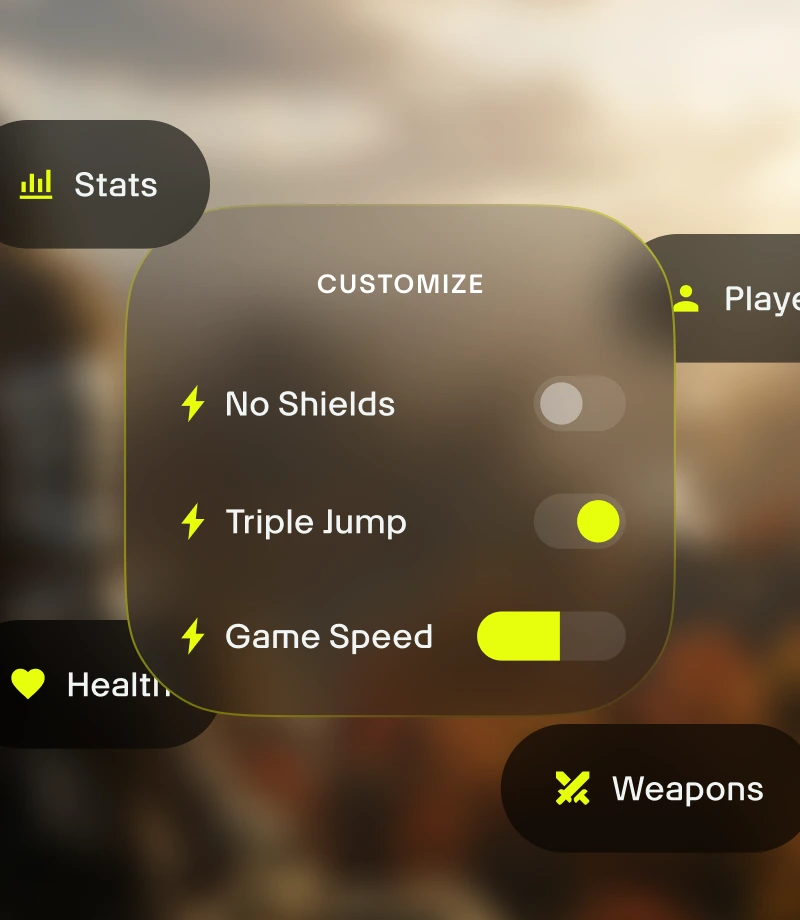
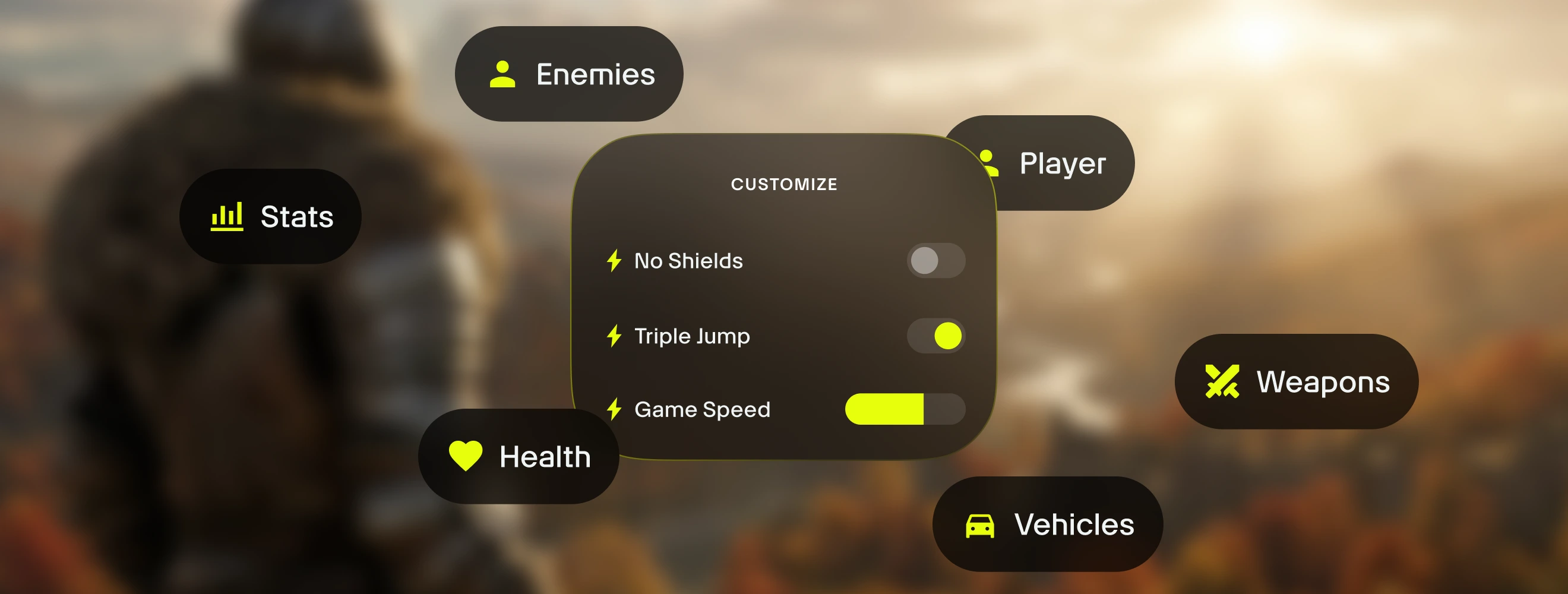
Customize your gameplay. Manage game balance & precisely control combat dynamics, inventory management, and character progression.
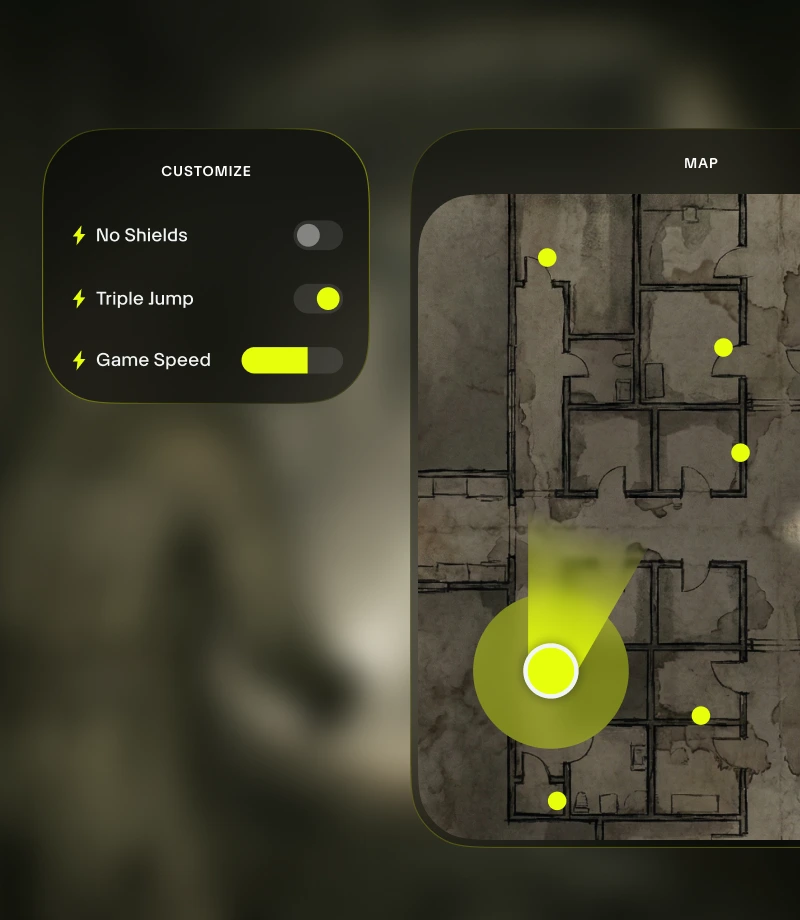
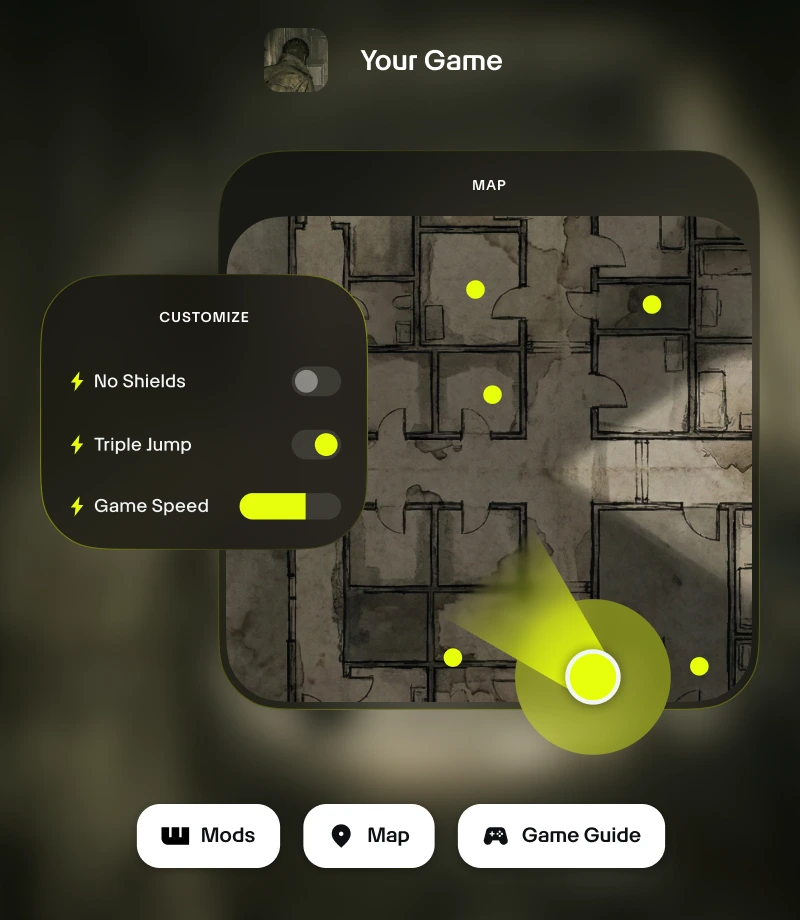
Stay in the game. Wand's in-game overlay gives you 1-click access to all your essential tools - from gameplay customizations to real-time maps.

Clip your epic moments. Record your most legendary moments and share with the community with a single click.
tools for
SteamWorld Build
Unlock the full potential of your SteamWorld Build experience with 's 9 curated gameplay customizations made by ColonelRVH. Wand offers a refined way to manage game balance with features like Unlimited Money, Edit Money, Unlimited Resources, Quick Train Arrival Time, and Super Train Speed, giving you precision control with instant on/off toggles accessible via in-app switches or the Alt+W in-game overlay.
Curated Collections for Every Playstyle
Assist - Fine-tune your character's growth. Personalize your game experience in a balanced way with Edit Money, Multiply Production Speed, Quick Train Arrival Time, and Super Train Speed.
Refine - Take control of your game. Enhance your game with new features like Game Speed.
Sandbox - Break all the rules. Enjoy experimentation and stress-free play with Unlimited Money, Unlimited Resources, Production From The Void, and Remove Production Limit.
Comment utiliser pour SteamWorld Build
Wand is designed to be as fast and fluid as the game itself. Follow these three simple steps to begin customizing your adventure. Wand automatically find your games and allows you to start using tools right away.
1
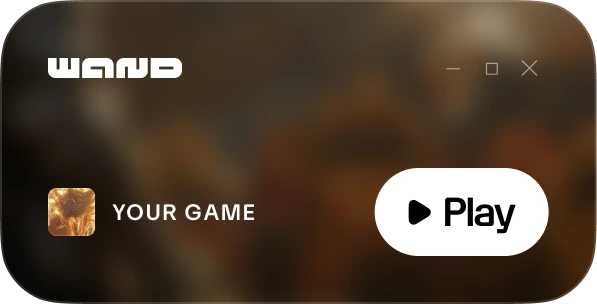
Lancez votre jeu. Ouvrez l’application Wand et lancez SteamWorld Build directement depuis votre bibliothèque.
2
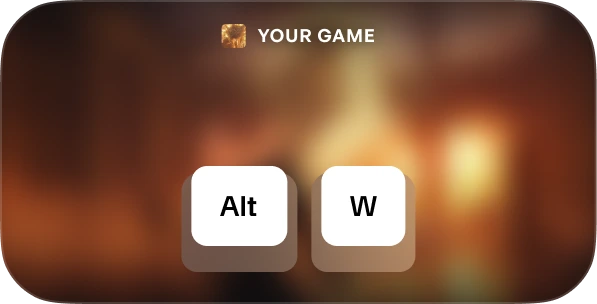
Activate the Menu. Once in-game, hit Alt+W at any time to bring up your toolkit.

3
Choose Your Tool. Toggle your preferred gameplay assists, open the interactive map, or record a clip instantly.
FAQs
Is Wand safe? Yes. Wand is developed strictly for single-player experiences and doesn't directly interact with anti-cheat systems on platforms like Steam, Epic Games, and Xbox. You are free to personalize your game without putting your account library or standing at risk. Check out our reviews on Trustpilot.
Will Wand permanently change my game files? Wand protects your core game installation by running in your system's memory rather than permanently editing your installation files. We still recommend backing up your save data when using any third-party tools to ensure your progress remains secure.
Will this work with my specific game verison? Wand uses advanced technology to automatically detect the version of the game you are running. Interactive maps and smart guides are available for all versions, and our system ensures you're always running the most compatible gameplay assists.
Like what you see?
Téléchargez gratuitement et rejoignez des millions de joueurs qui optimisent leur expérience avec des aides en jeu, des cartes interactives, des guides et plus encore pour SteamWorld Build ou l’un des plus de 3 500 autres jeux compatibles avec Wand !