Introducing Voice Controls

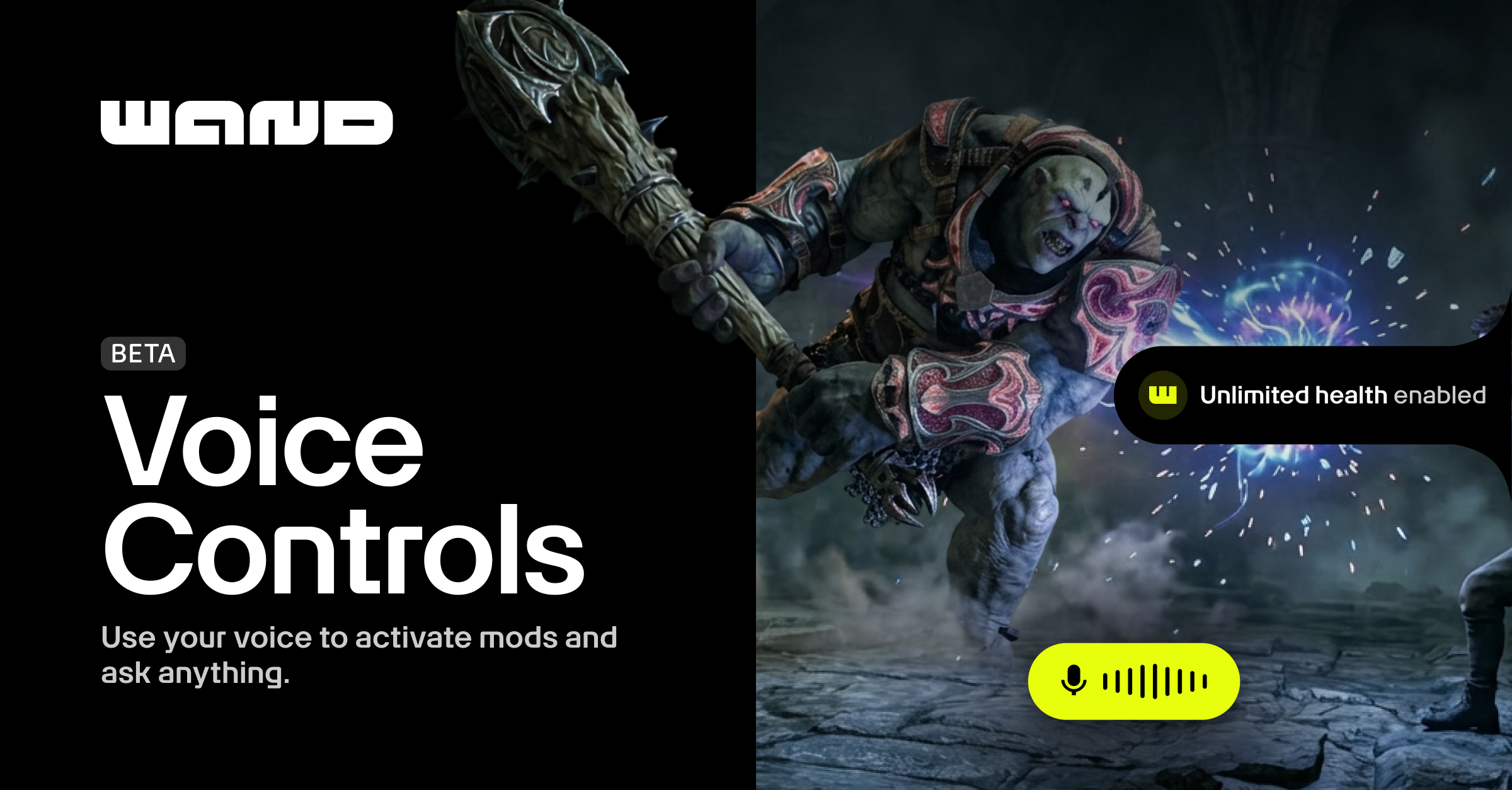
We built features like our Game Guide and the Wand Overlay because we believe you shouldn't have to leave your game to get help. No browser tabs, no alt-tabbing, no breaking your session to search a wiki.
Now we've made things even easier.
Wand now accepts voice input. Just say what you need, and Wand handles the rest.
New Voice Controls
Press Alt+V, ask your question out loud, and get an answer. Ask questions like "Where's the Unforgivable Curse?" or "How do I get past this section?" and the Game Guide will respond in the chat.
You can also use Voice Controls to activate mods. Say "enable god mode" or "set gold to 5,000," and Wand checks your current mod state to make sure the action is safe, and executes. For players who use mods regularly, this changes how the whole system feels. Instead of hunting through a menu or trying to remember the exact name of a toggle, just describe what you want. Voice Controls are flexible enough that asking, "Can you double my run speed?" maps correctly to the right slider.
Need to Travel? Just Say the Word.
Combined with Wand's teleport capability, you can ask Voice Controls to take you somewhere by name and it handles the rest. In open-world games where crossing the map can take real time, being able to say where you want to go and arrive there without touching a fast-travel menu changes how a session flows. Voice teleport is currently live in Hogwarts Legacy and we're working on expanding it to more titles soon.
How to try it
Voice Controls are live now in Beta, free for everyone. Open any Game Guide-supported game, make sure the Overlay is enabled, and press Alt+V to start.
We're actively tuning it and want to hear how it performs in real sessions. If something doesn't work the way you'd expect or if you want it to be able to do something it can't yet, let us know!