

Grand Theft Auto IV
to aplikacja towarzysząca typu all-in-one dla Grand Theft Auto IV i 3 500+ innych gier dla jednego gracza na PC. Natychmiast przełączaj 7 pomoce(-y) w rozgrywce — w tym Nieograniczone zdrowie, Zabójstwa Jednym Ciosem, Ustal Pieniądze, Brak Poziomu Poszukiwań i Ustaw Poziom Poszukiwań — lub odkryj 1 interaktywną mapę dla Grand Theft Auto IV aby szybciej znajdować kluczowe lokacje, sekrety i cele.
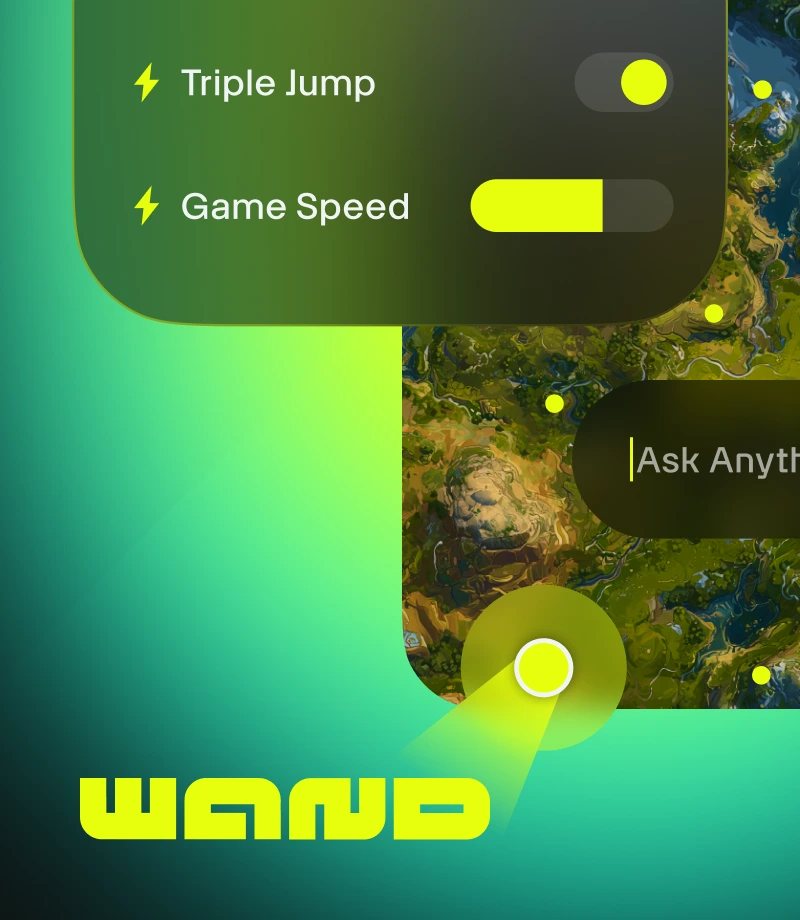
Wand czyni granie magicznym. Ulepsz 3500+ gier dla jednego gracza takich jak Grand Theft Auto IV prostymi narzędziami, które usuwają wszystkie przeszkody w zabawie.
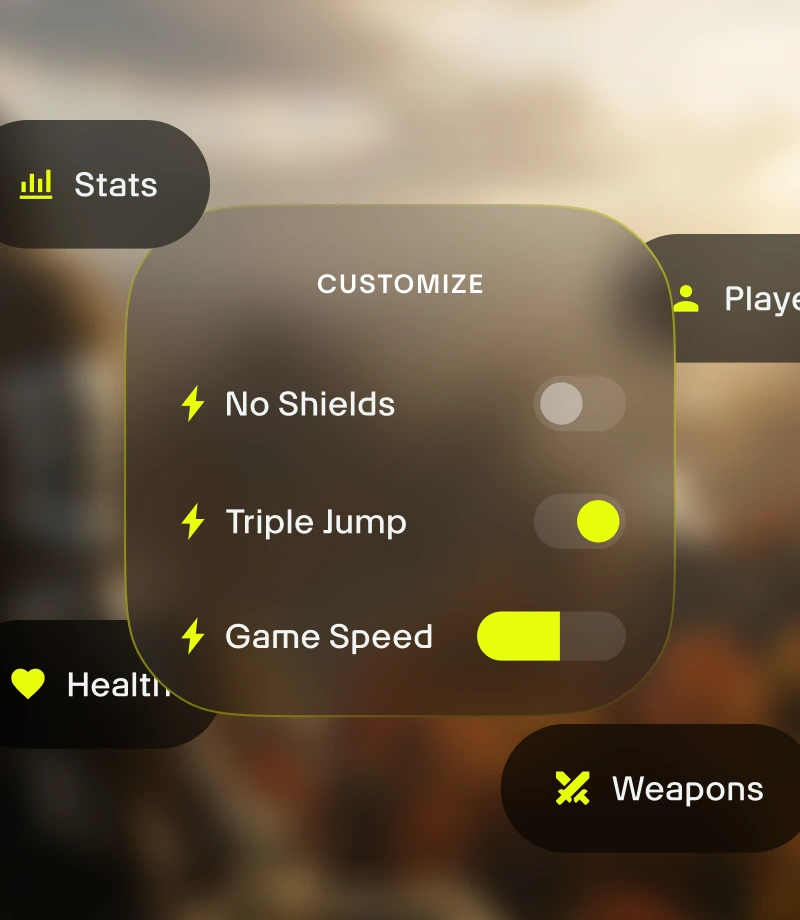
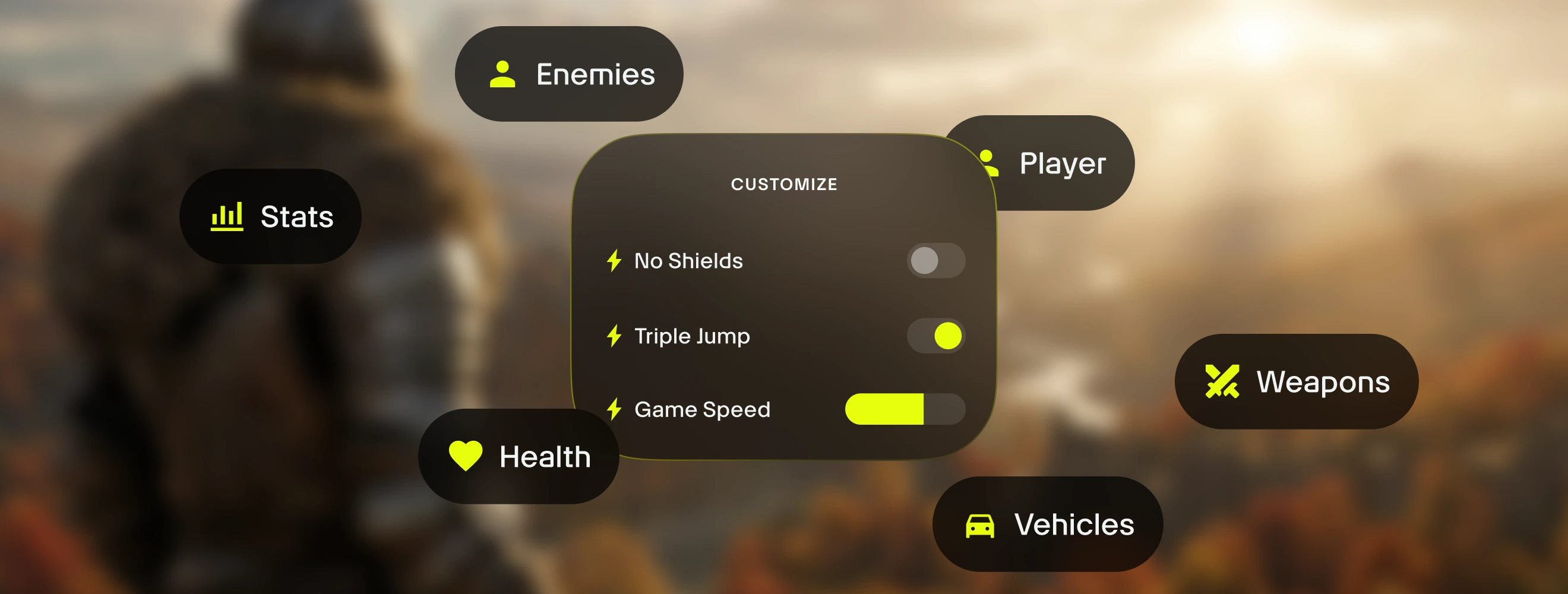
Dostosuj rozgrywkę. Zarządzaj równowagą gry i precyzyjnie kontroluj dynamikę walki, zarządzanie ekwipunkiem i postęp postaci.

Znajdź drogę dzięki mapom. Znajdź każdy przedmiot kolekcjonerski i napotkaj każdą postać w Grand Theft Auto IV dzięki interaktywnym mapom Wand. Przeglądaj 1 interaktywną mapę Grand Theft Auto IV →

Zapytaj przewodnika o wszystko. Przewodniki Gry Wand to najszybszy sposób na uzyskanie odpowiedzi na wszystkie pytania o grę.
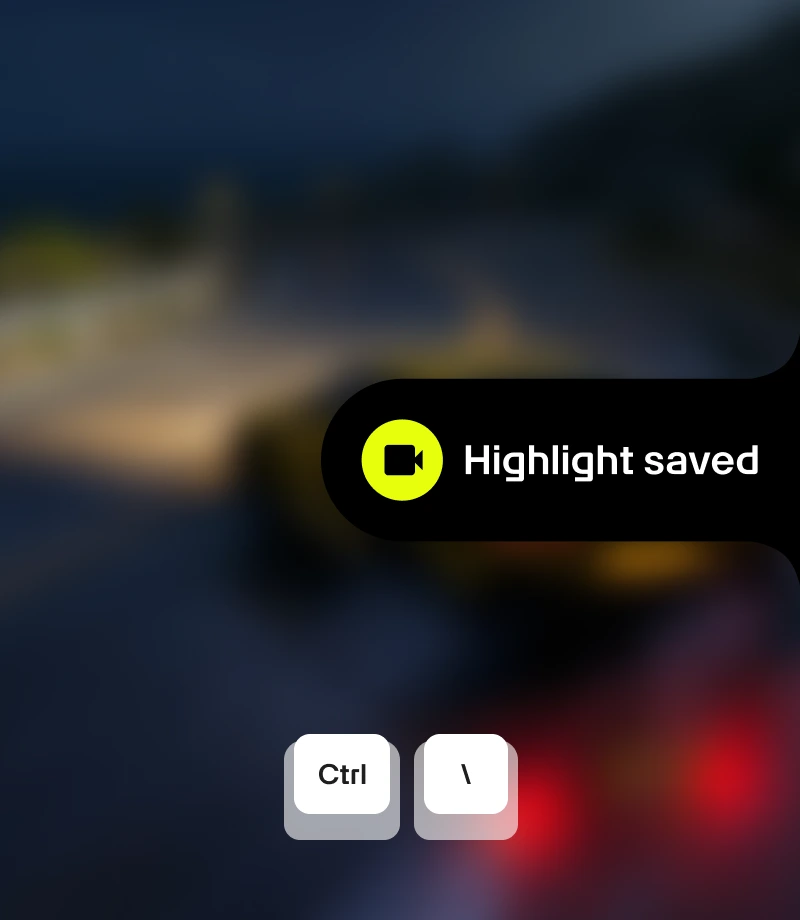
Nagrywaj epickie momenty. Nagrywaj najbardziej legendarne momenty i dziel się nimi ze społecznością jednym kliknięciem.
narzędzia dla
Grand Theft Auto IV
Odblokuj pełny potencjał doświadczenia w Grand Theft Auto IV dzięki 7 wyselekcjonowanym dostosowaniom rozgrywki stworzonym przez MrAntiFun. Wand oferuje wyrafinowany sposób zarządzania równowagą gry z funkcjami takimi jak Nieograniczone zdrowie, Zabójstwa Jednym Ciosem, Ustal Pieniądze, Brak Poziomu Poszukiwań i Ustaw Poziom Poszukiwań, dając ci precyzyjną kontrolę z natychmiastowymi przełącznikami włącz/wyłącz dostępnymi przez przełączniki w aplikacji lub nakładkę w grze Alt+W.
Wyselekcjonowane Kolekcje dla Każdego Stylu Gry
Asystent – Dostosuj rozwój swojej postaci. Spersonalizuj doświadczenie gry w zrównoważony sposób z Ustal Pieniądze i Ustaw Poziom Poszukiwań.
Piaskownica – Złam wszystkie zasady. Ciesz się eksperymentowaniem i bezstresową grą z 6sfpk1hk, Nieograniczone zdrowie, abclh15f i kzjhz2eo.
Jak używać do Grand Theft Auto IV
Wand zaprojektowano tak, aby był tak szybki i płynny jak sama gra. Postępuj zgodnie z tymi trzema prostymi wskazówkami, aby rozpocząć dostosowywanie przygody. Wand automatycznie znajdzie twoje gry i pozwoli ci od razu zacząć używać narzędzi.
1
Uruchom Grę. Otwórz aplikację Wand i uruchom Grand Theft Auto IV bezpośrednio ze swojej biblioteki.
2
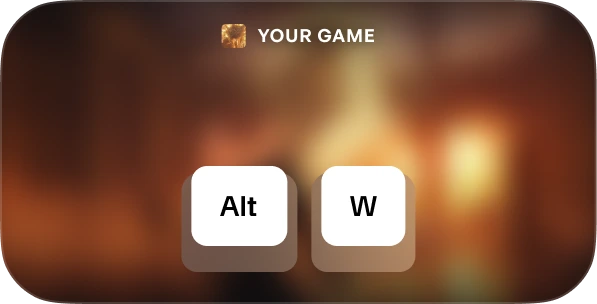
Ative o menu. Quando estiver no jogo, pressione Alt+W a qualquer momento para acessar suas ferramentas.
3
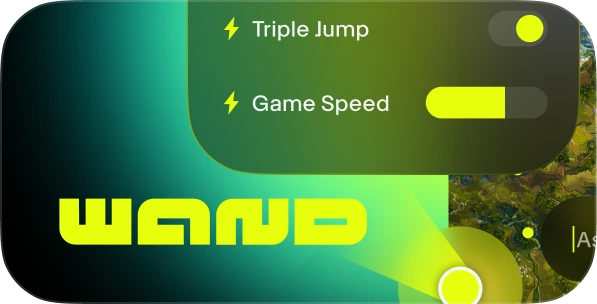
Escolha sua ferramenta. Alterne suas assistências de jogabilidade preferidas, abra o mapa interativo ou grave um clipe instantaneamente.
FAQs
Czy Wand jest bezpieczny? Tak. Wand opracowano ściśle z myślą o doświadczeniach jednego gracza i nie wchodzi bezpośrednio w interakcję z systemami anty-cheat na platformach takich jak Steam, Epic Games i Xbox. Możesz swobodnie personalizować grę bez narażania biblioteki kont lub reputacji. Sprawdź nasze recenzje na Trustpilot.
Czy Wand na stałe zmieni moje pliki gry? Wand chroni podstawową instalację gry, działając w pamięci systemu zamiast na stałe edytować pliki instalacyjne. Mimo to zalecamy wykonanie kopii zapasowej danych zapisu podczas używania jakichkolwiek narzędzi innych firm, aby zapewnić bezpieczeństwo twojego postępu.
Czy rozwiązanie będzie współdziałać z moją wersją gry? Wand używa zaawansowanej technologii do automatycznego wykrywania wersji gry, którą uruchamiasz. Mapy interaktywne i inteligentne przewodniki są dostępne dla wszystkich wersji, a dzięki naszemu systemowi zawsze uruchamiasz najbardziej kompatybilne pomoce w rozgrywce.
Podoba ci się to, co widzisz?
Pobierz za darmo i dołącz do milionów graczy rozwijających się dzięki pomocom w grze, mapom interaktywnym, przewodnikom gry i więcej w Grand Theft Auto IV lub jednej z 3500+ innych gier, które Wand obsługuje!