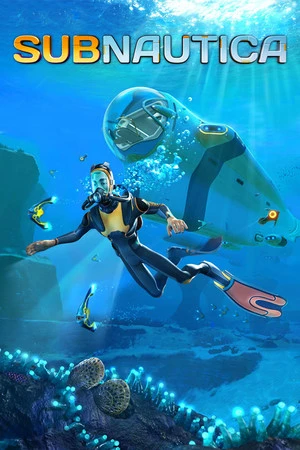
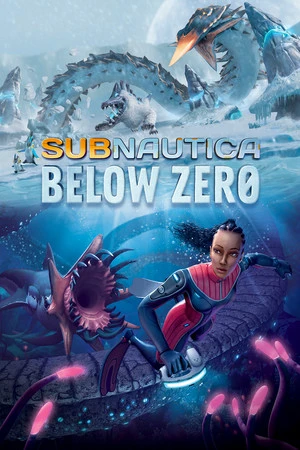
Subnautica Below Zero
คือแอปพลิเคชันคู่หูสำหรับ Subnautica Below Zero และ เกมผู้เล่นคนเดียวอื่น ๆ อีก 3,500+ เกม PC เปิด/ปิดการช่วยเหลือเกมเพลย์ 20 รายการได้ทันที — รวมถึง พลังชีวิตไม่จำกัด เติมพลังชีวิต ออกซิเจนไม่จำกัด เติมออกซิเจน และน้ำไม่จำกัด — ภายใน Subnautica Below Zero ได้โดยตรงโดยใช้การแสดงผลในเกมที่ราบรื่น เข้าถึงเครื่องมือของคุณด้วย Alt+W โดยไม่ต้องออกจากการเล่น
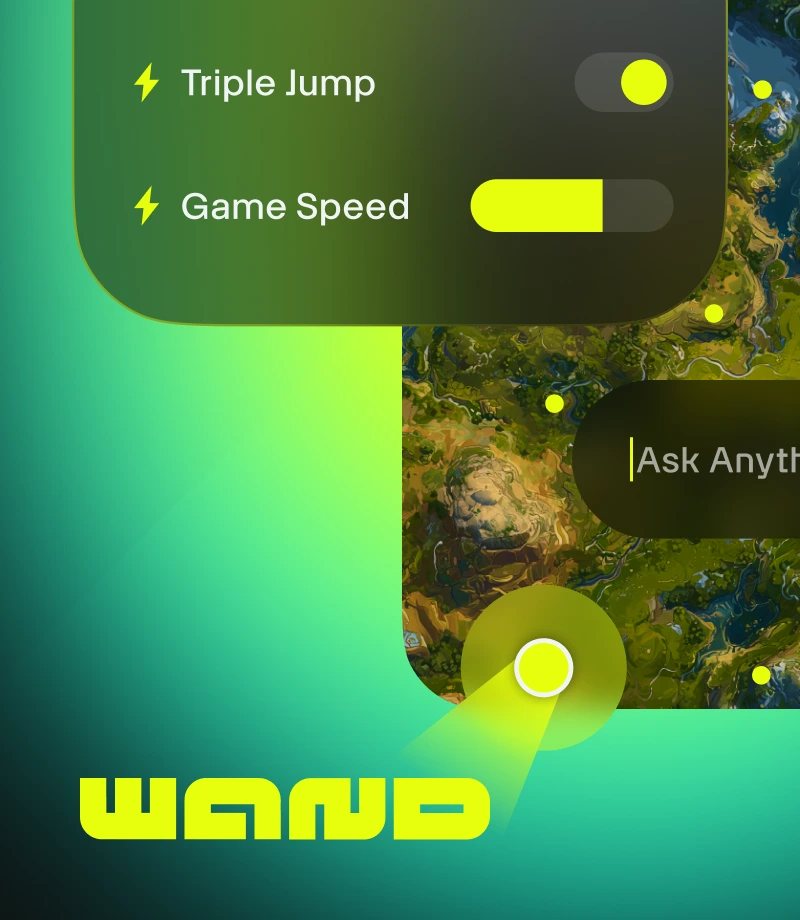
Wand ทำให้การเล่นเกมมหัศจรรย์ เพิ่มประสิทธิภาพเกมผู้เล่นคนเดียว 3500+ เกม เช่น Subnautica Below Zero ด้วยเครื่องมือง่าย ๆ ที่กำจัดอุปสรรคต่อความสนุก
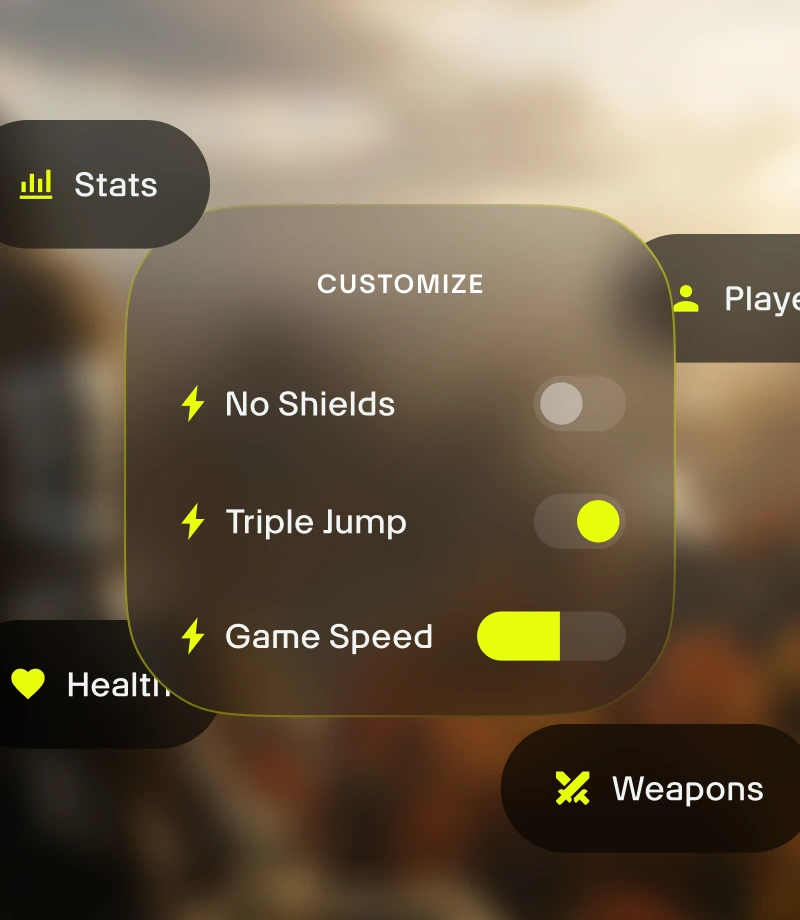
ปรับแต่งเกมเพลย์ของคุณ จัดการสมดุลเกมและควบคุมจังหวะของการต่อสู้ การจัดการพื้นที่เก็บไอเท็ม และความก้าวหน้าของตัวละครได้อย่างแม่นยำ

ถามคู่มือได้ทุกอย่าง คู่มือเกมของ Wand เป็นวิธีหาคำตอบสำหรับคำถามทุกข้อเกี่ยวกับเกมที่เร็วที่สุด
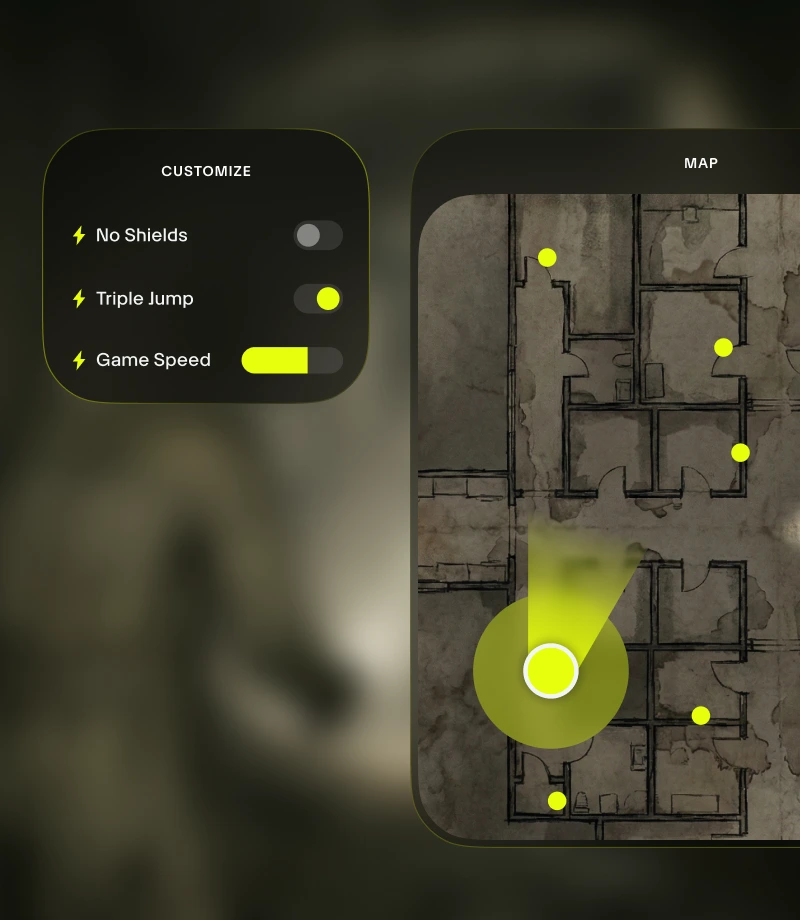
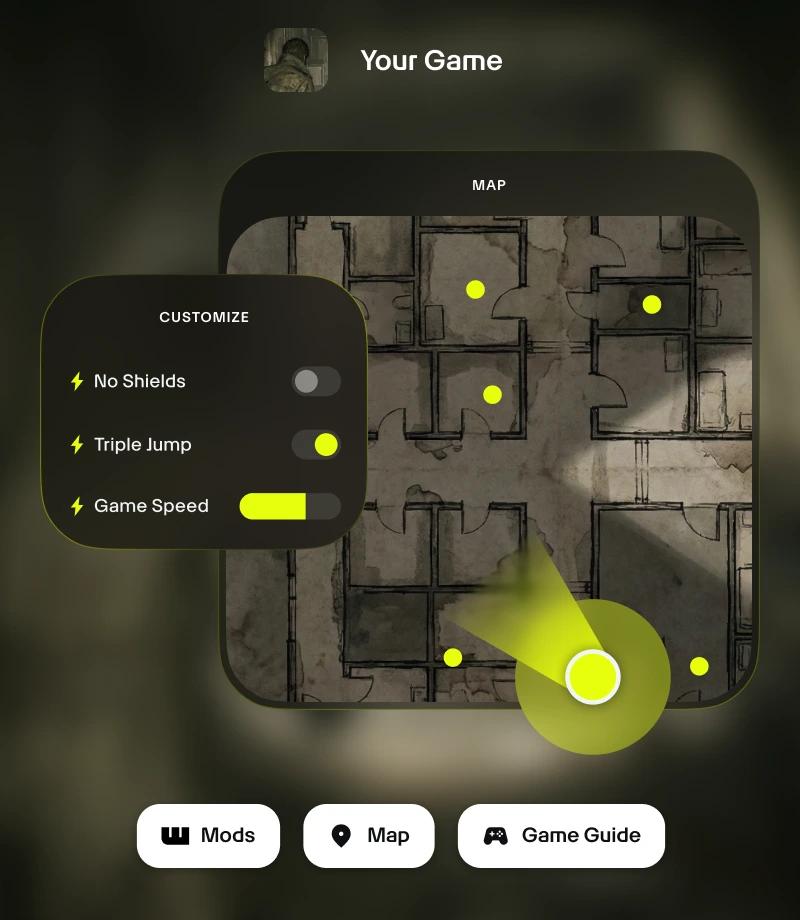
ไม่ต้องออกจากเกม โอเวอร์เลย์ในเกมของ Wand มอบการเข้าถึงเครื่องมือสำคัญทั้งหมดของคุณได้ด้วยคลิกเดียว - ตั้งแต่การปรับแต่งเกมเพลย์ไปจนถึงแผนที่แบบเรียลไทม์
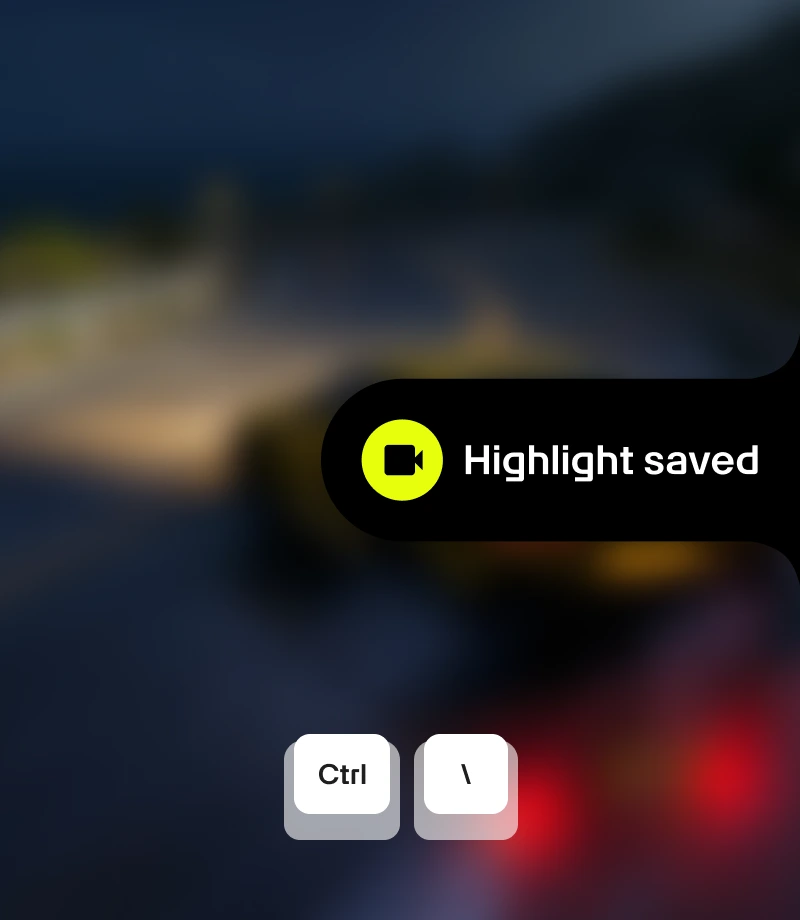
ตัดต่อช่วงเวลาสุดเจ๋งของคุณ บันทึกช่วงเวลาสุดเจ๋งของคุณและแบ่งปันกับชุมชนด้วยการคลิกเดียว
เครื่องมือสำหรับ
Subnautica Below Zero
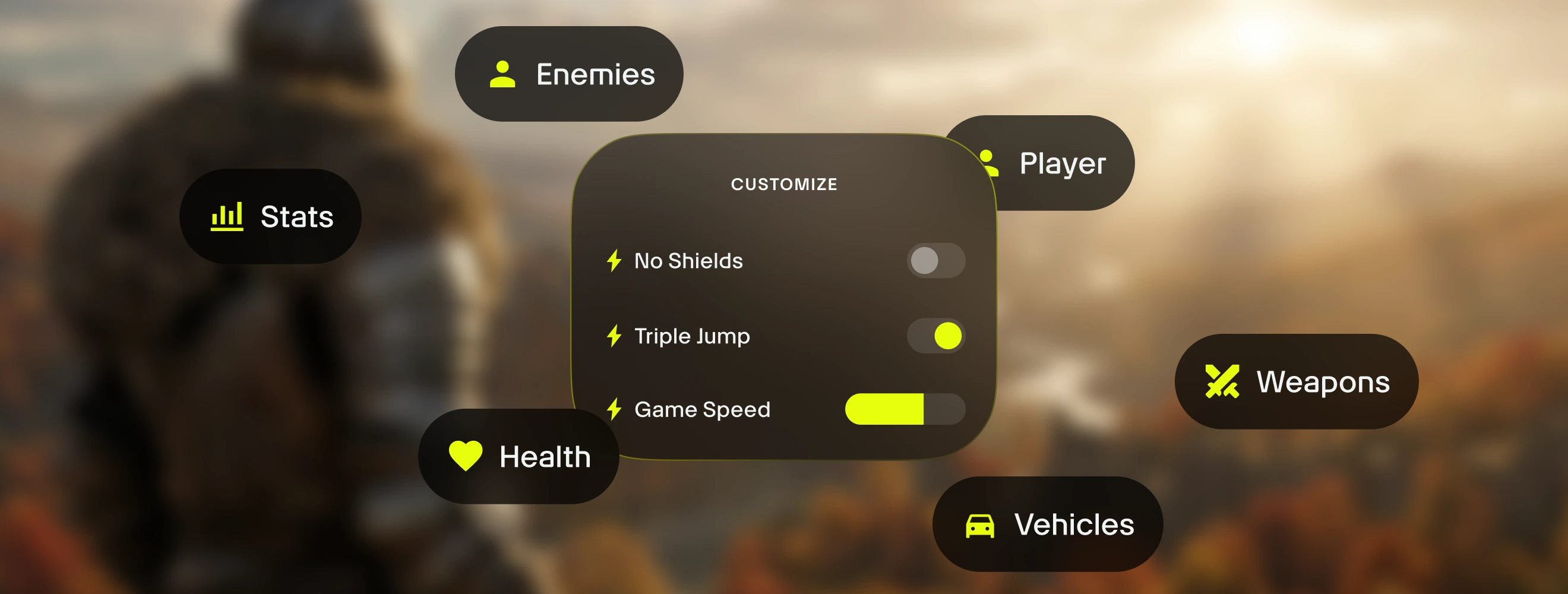
ปลดล็อกศักยภาพเต็มที่ของประสบการณ์ Subnautica Below Zero ของคุณด้วยการปรับแต่งเกมเพลย์ 20 รายการที่คัดสรรมาโดย Technox ของ ซึ่ง Wand ขอเสนอการจัดการสมดุลเกมโดยละเอียดด้วยฟีเจอร์เช่น พลังชีวิตไม่จำกัด เติมพลังชีวิต ออกซิเจนไม่จำกัด เติมออกซิเจน และน้ำไม่จำกัด มอบการควบคุมที่แม่นยำด้วยสวิตช์เปิด/ปิดทันที เข้าถึงได้ทางสวิตช์ในแอปหรือกด Alt+W ดูโอเวอร์เลย์ในเกม
คอลเลกชันที่คัดสรรสำหรับทุกสไตล์การเล่น
ช่วยเหลือ - ปรับแต่งการเติบโตของตัวละครของคุณ ปรับแต่งประสบการณ์เกมของคุณอย่างสมดุลด้วย kytrr165 ความเร็วในการว่ายน้ำสุดขีด ความเร็วสุดยอด และซุปเปอร์จัมป์
ง่ายขึ้น - ลดความยาก ปรับระบบเกมโดยไม่ทำให้เกมเสียอรรถรสด้วย ux3rxcaw ไม่หนาว สแกนทันที และสร้างทันที
แซนด์บ็อกซ์ - ทำลายกฎทั้งหมด เพลิดเพลินกับการทดลองและการเล่นที่ไร้ความเครียดด้วย d0t4434u hg5zbh7q 4mbkotvh และenjp41w1
วิธีใช้ สำหรับ Subnautica Below Zero
Wand ออกแบบมาให้รวดเร็วและลื่นไหลเท่าตัวเกมเดิม ทำตามขั้นตอนง่าย ๆ สามขั้นตอนนี้เพื่อเริ่มปรับแต่งการผจญภัยของคุณ โดย Wand จะค้นหาเกมของคุณอัตโนมัติและให้คุณเริ่มใช้เครื่องมือได้ทันที
1
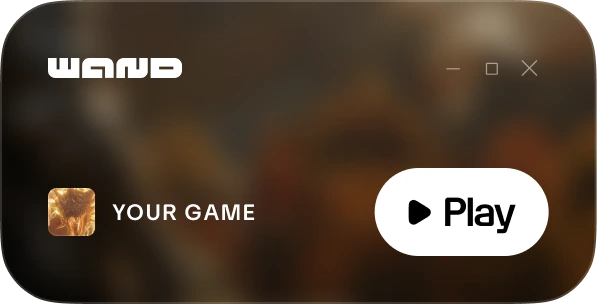
เปิดเกมของคุณ เปิดแอป Wand และเปิด Subnautica Below Zero โดยตรงจากไลบรารีของคุณ
2
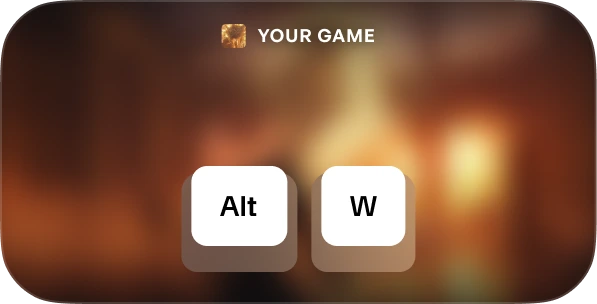
เปิดใช้งานเมนู เมื่ออยู่ในเกมแล้ว กด Alt+W เมื่อไหร่ก็ได้เพื่อเปิดชุดเครื่องมือของคุณ
3
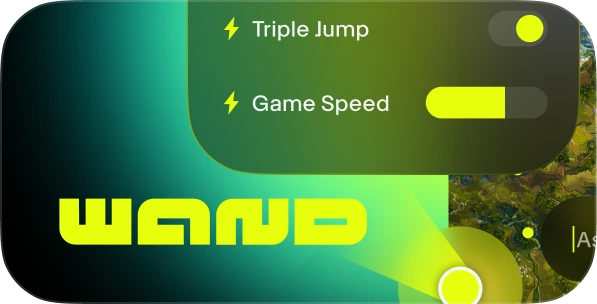
เลือกเครื่องมือของคุณ สลับการช่วยเหลือเกมเพลย์ที่คุณต้องการ เปิดแผนที่โต้ตอบได้ หรือบันทึกคลิปทันที
FAQs
Wand ปลอดภัยหรือไม่ ปลอดภัย Wand พัฒนาขึ้นอย่างเคร่งครัดเพื่อประสบการณ์ผู้เล่นคนเดียวและไม่โต้ตอบกับระบบป้องกันการโกงบนแพลตฟอร์มโดยตรง เช่น Steam, Epic Games และ Xbox คุณสามารถปรับแต่งเกมของคุณได้โดยไร้ความเสี่ยงต่อไลบรารี บัญชี หรือสถานะของคุณ ตรวจสอบรีวิวของเราบน Trustpilot
Wand จะเปลี่ยนไฟล์เกมของฉันอย่างถาวรหรือไม่ Wand ปกป้องการติดตั้งเกมหลักของคุณโดยทำงานในหน่วยความจำของระบบแทนที่จะแก้ไขไฟล์การติดตั้งอย่างถาวร เรายังคงแนะนำให้สำรองข้อมูลบันทึกของคุณเมื่อใช้เครื่องมือของบุคคลที่สามอื่น ๆ เพื่อให้แน่ใจว่าความคืบหน้าของคุณยังคงปลอดภัย
จะใช้งานได้กับเวอร์ชันเกมของฉันหรือไม่? Wand ใช้เทคโนโลยีขั้นสูงเพื่อตรวจจับเวอร์ชันของเกมที่คุณกำลังเล่นโดยอัตโนมัติ แผนที่อินเทอร์แอคทีฟและคู่มืออัจฉริยะพร้อมให้บริการสำหรับทุกเวอร์ชัน และระบบของเราจะช่วยให้คุณใช้งานตัวช่วยเล่นเกมที่เข้ากันได้มากที่สุดอยู่เสมอ
ถูกใจสิ่งที่เห็นใช่ไหม
ดาวน์โหลด ฟรี และร่วมกับผู้เล่นหลายล้านคนในการยกระดับด้วยการช่วยเหลือเกม แผนที่โต้ตอบได้ คู่มือเกม และอื่น ๆ ใน Subnautica Below Zero หรือหนึ่งใน 3500+ เกมอื่น ๆ ที่ Wand รองรับ!