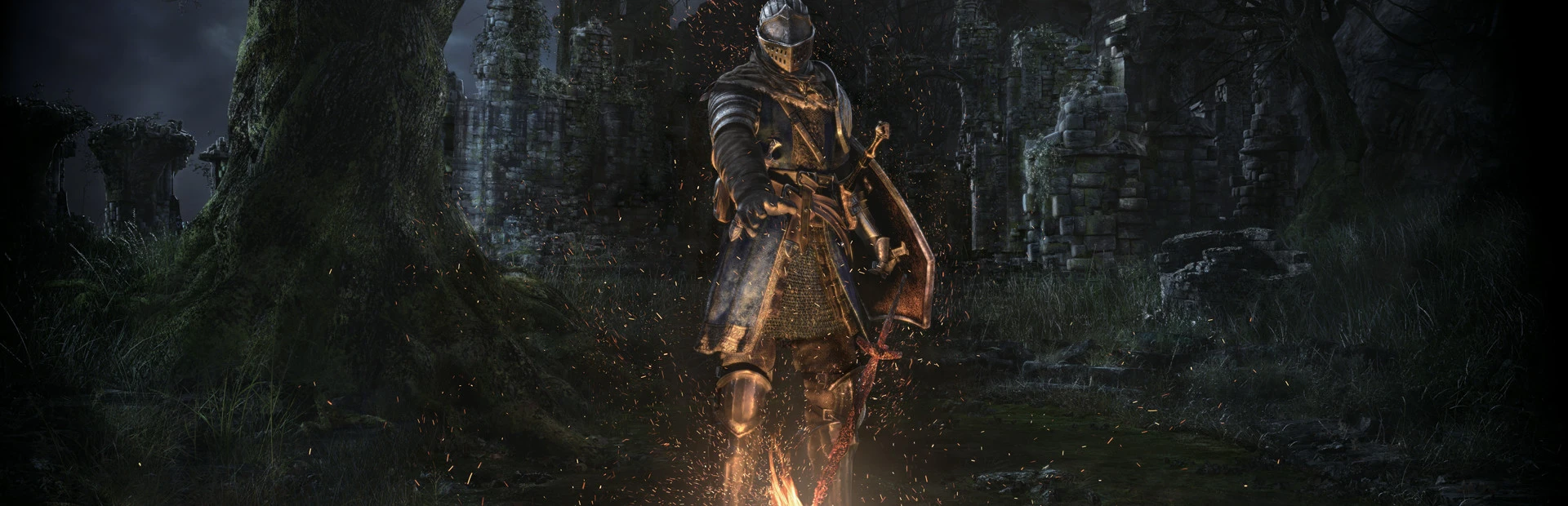
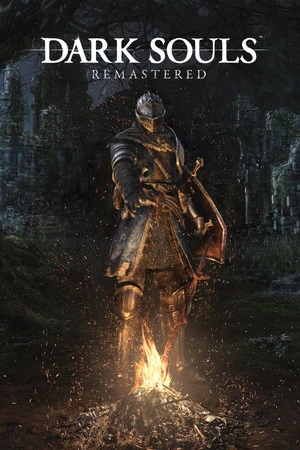
Dark Souls: Remastered
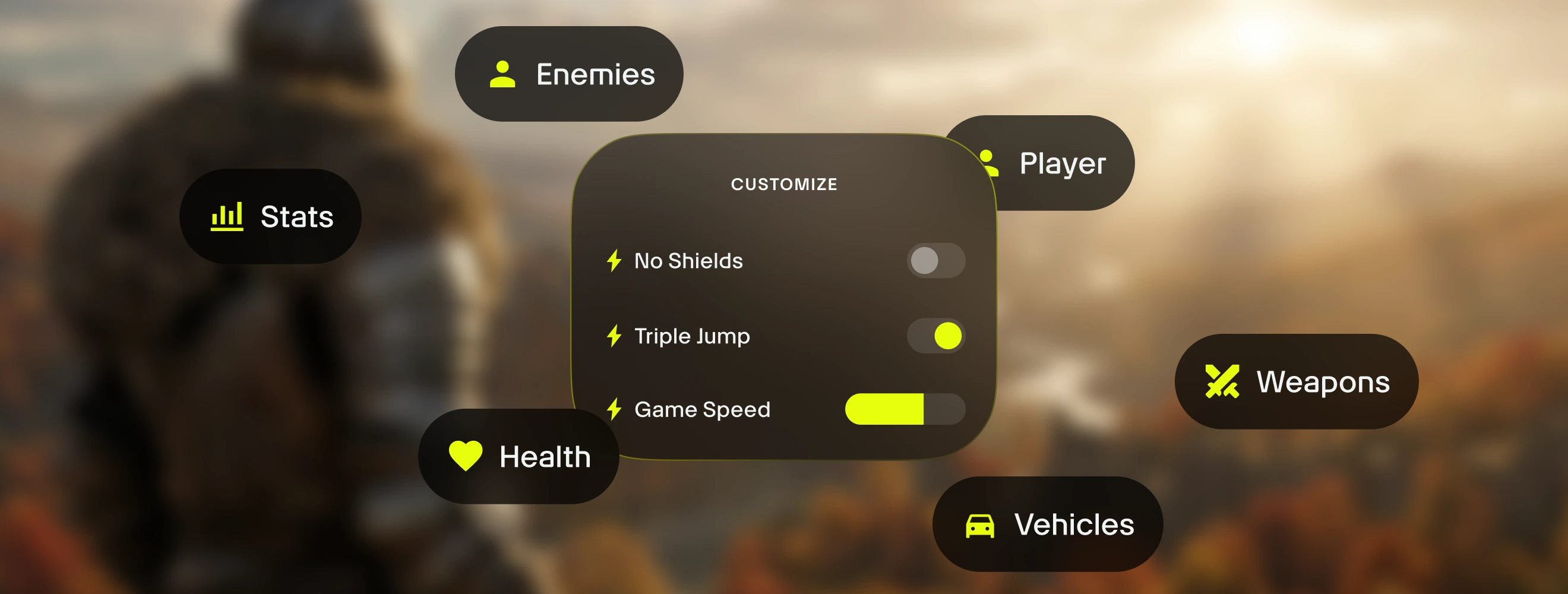
は、Dark Souls: Remasteredやその他3,500以上のシングルプレイヤー向け PCゲームのためのオールインワンコンパニオンアプリです。18種類のゲームプレイアシスト機能を瞬時に切り替え (無制限の健康、無限スタミナ、最大ヒューマニティ、無限耐久性、無制限の魔法を含む) — Dark Souls: Remastered内で直接、シームレスなゲーム内オーバーレイを使用可能。Alt+Wで、アクションを中断せずにツールにアクセスできます。
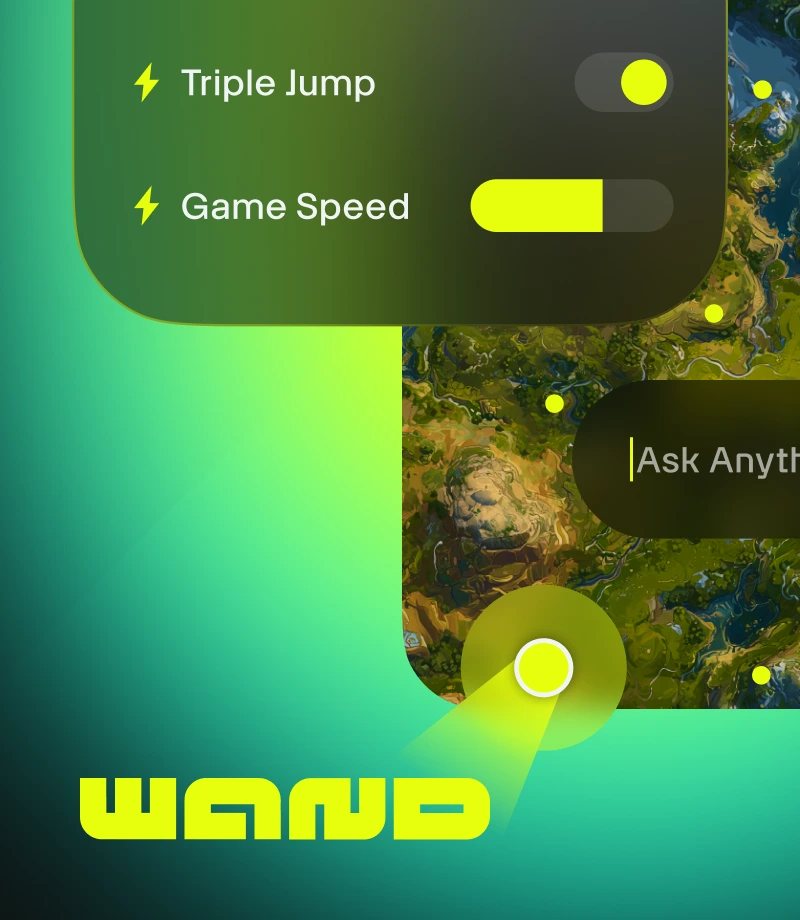
Wandはゲームに魔法をかけます。 Dark Souls: Remasteredなど、3500以上のシングルプレイヤーゲーム用の簡単なツールで、楽しみを邪魔する要素を取り除きます。
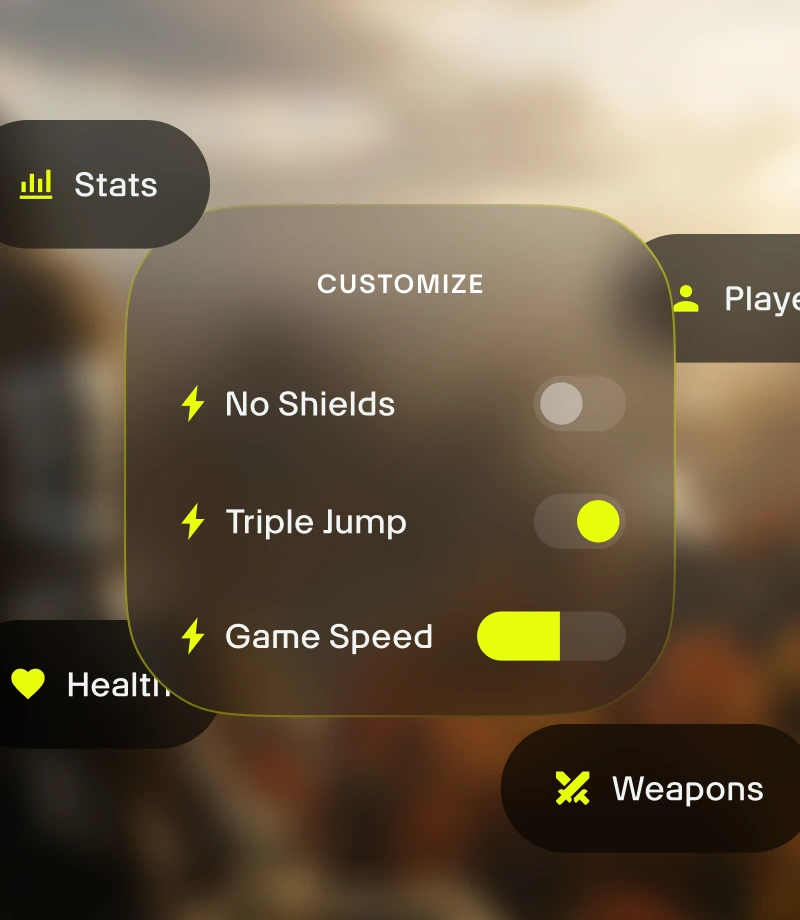
ゲームプレイをカスタマイズ。 ゲームバランスを管理し、戦闘ダイナミクス、インベントリ管理、キャラクターの成長を精密に制御しましょう。

疑問はガイドに聞きましょう。 ゲームに関する質問がある場合、Wandのゲームガイドならすばやく答えてくれます。
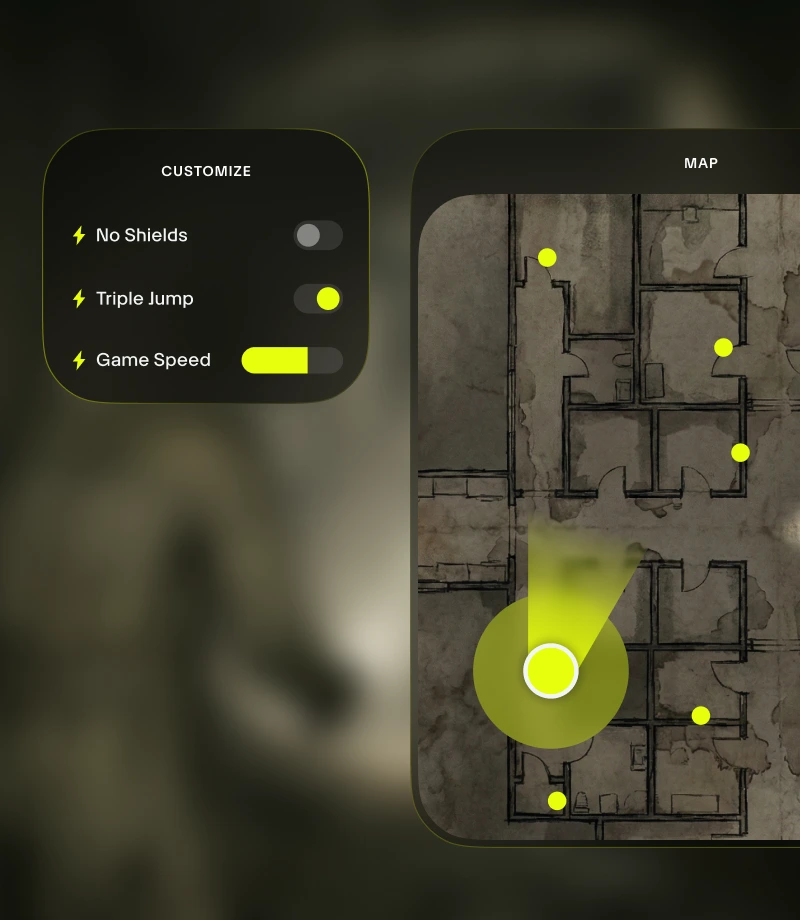
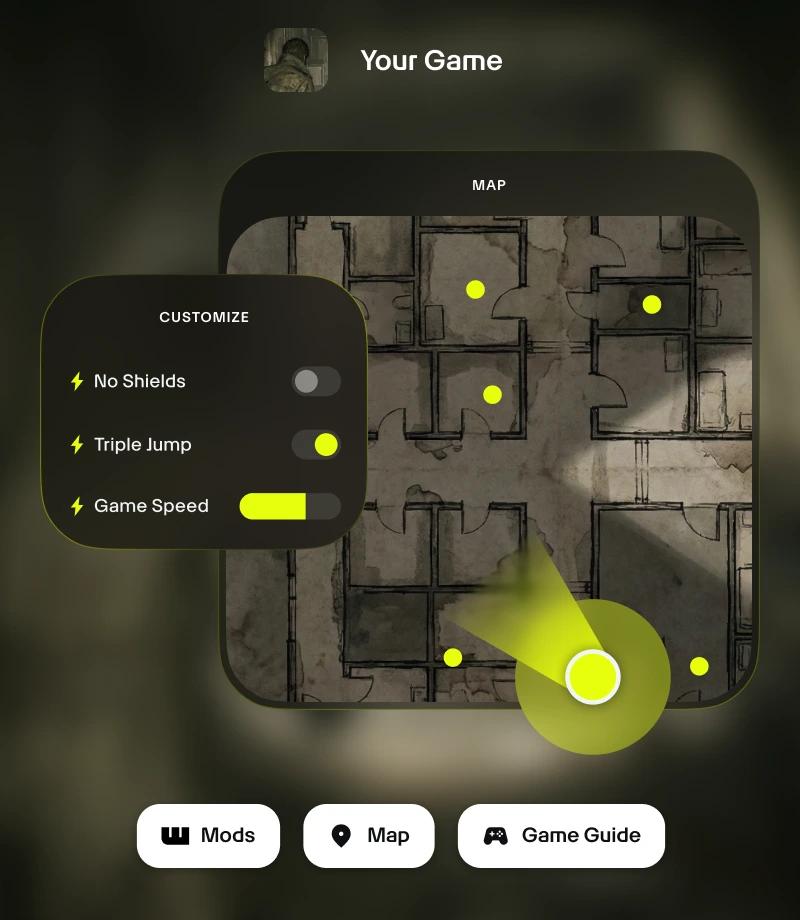
すべてゲーム内で完結。 Wandのゲーム内オーバーレイを使用すると、ゲームプレイカスタマイゼーションからリアルタイムマップまで、すべての重要なツールに1クリックでアクセスできます。
最高の一瞬をクリップしましょう。 レジェンド級のプレイを録画し、ワンクリックでコミュニティと共有しましょう。
ツール:
Dark Souls: Remastered
STiNGERRが作成した厳選のゲームプレイカスタマイゼーション18種を使用して、Dark Souls: Remasteredプレイ体験のポテンシャルを最大限に引き出しましょう。Wandの提供する無制限の健康、無限スタミナ、最大ヒューマニティ、無限耐久性、無制限の魔法などの機能を使用すると、スマートにゲームバランスを管理できます。また、アプリ内スイッチやAlt+Wによるゲーム内オーバーレイで、精度コントロールのオン/オフを即座に切り替えられます。
あらゆるプレイスタイルに向けた厳選コレクション
アシスト - キャラクターの成長を微調整。 5Kソウルを追加、バイタリティを追加、調整を追加、耐久力を追加でゲームのバランスを取り、プレイ体験をパーソナライズしましょう。
イージー - 負担を軽減。 無限耐久性で、ゲームを破綻させることなくゲームシステムを調整しましょう。
サンドボックス - すべてのルールを突破。 無制限の健康、無限スタミナ、無制限の魔法、ワンヒットキルで、実験的なプレイやストレスフリーなプレイを楽しみましょう。
Dark Souls: Remasteredでを使用するには
Wandは、ゲーム自体と同等の流れるような高速動作を備えています。以下の3つのステップで、冒険のカスタマイズを始めましょう。Wandは自動的にゲームを認識するため、すぐにツールの使用を開始できます。
1
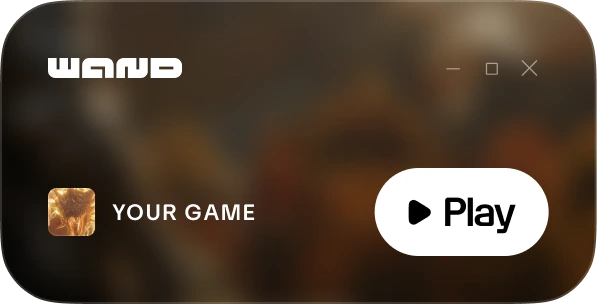
ゲームを起動。 Wandアプリを開き、ライブラリから直接Dark Souls: Remasteredを起動します。
2
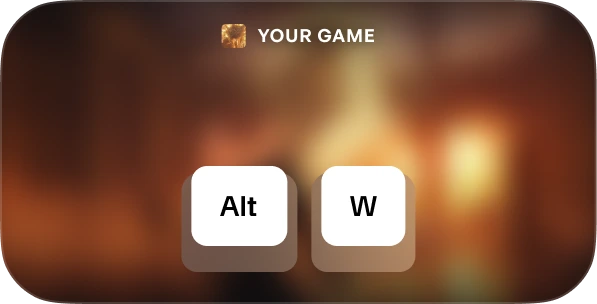
メニューを有効化。 ゲームを開始したら、いつでもAlt+Wを押してツールキットを表示できます。
3
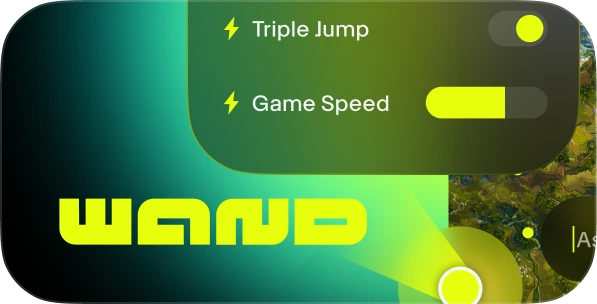
ツールを選択。 お好みのゲームプレイアシストへの切り替え、インタラクティブマップの表示、クリップの簡単録画ができます。
FAQs
Wandは安全ですか? はい。Wandは完全にシングルプレイヤー体験専用として開発されており、Steam、Epic Games、Xboxなどのプラットフォームのチート対策システムと直接のやり取りを行いません。アカウントライブラリや地位を危険にさらすことなく、自由にゲームをパーソナライズできます。Trustpilotのレビューをご覧ください。
Wandはゲームファイルを完全に変更するのですか? Wandはインストールファイルを完全に編集するのではなく、システムメモリ上で実行することで、インストール済みのゲームの中核部分を保護します。サードパーティツールを使用する際は、進行状況を安全に保存しておくために、セーブデータのバックアップを作成することをお勧めします。
自分の所有するゲームバージョンで動作しますか? Wandは高度な技術を使用して、実行中のゲームバージョンを自動で検出します。インタラクティブマップとスマートガイドはすべてのバージョンで利用可能です。当社のシステムは、常に最も互換性の高いゲームプレイアシスト機能を実行するように作られています。
気に入りましたか?
を無料でダウンロードしましょう。WandがサポートするDark Souls: Remasteredやその他3,500以上のゲームで、ゲームアシスト、インタラクティブマップ、ゲームガイドなどを使用してレベルアップする数百万人のプレイヤーに加わることができます!