GreedFall - Windows 10
é o aplicativo completo para GreedFall - Windows 10 e mais de 3.500 outros jogos de um jogador para PC. Ative instantaneamente 13 assistências de jogabilidade – incluindo Vida Ilimitada, Magia Ilimitada, Fúria Ilimitada, Ouro Ilimitado e Munição Ilimitada — diretamente em GreedFall - Windows 10 usando uma sobreposição no jogo integrada. Acesse suas ferramentas com Alt+W sem sair da ação.
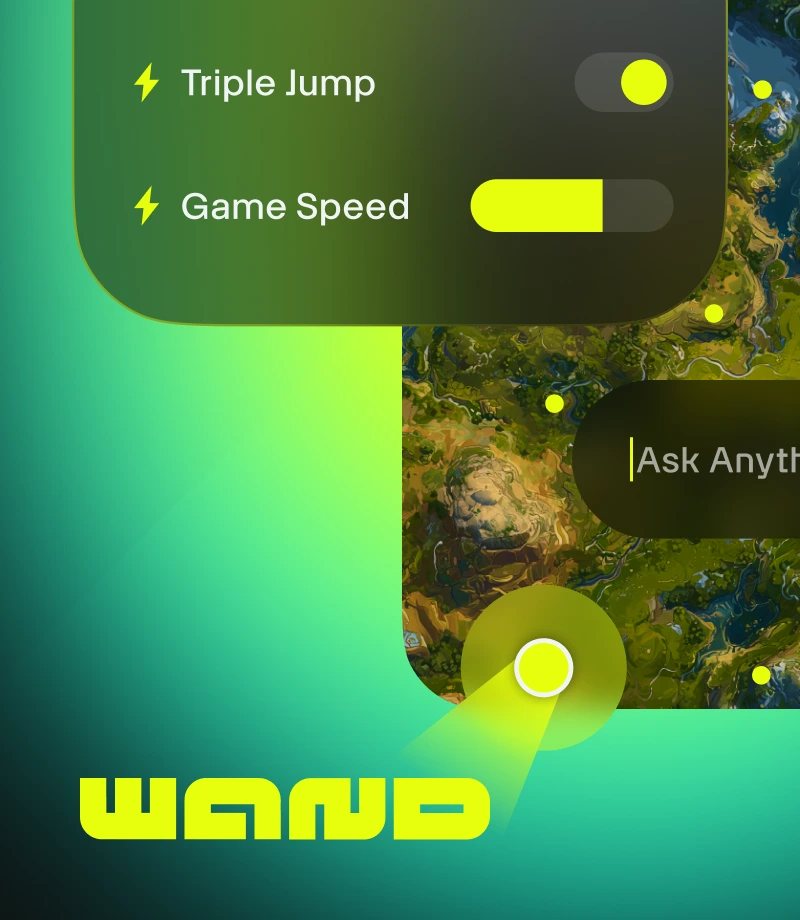
Wand torna os jogos mágicos. Aprimore mais de 3.500 jogos para um jogador, como GreedFall - Windows 10, com ferramentas fáceis que garantem diversão sem barreiras.
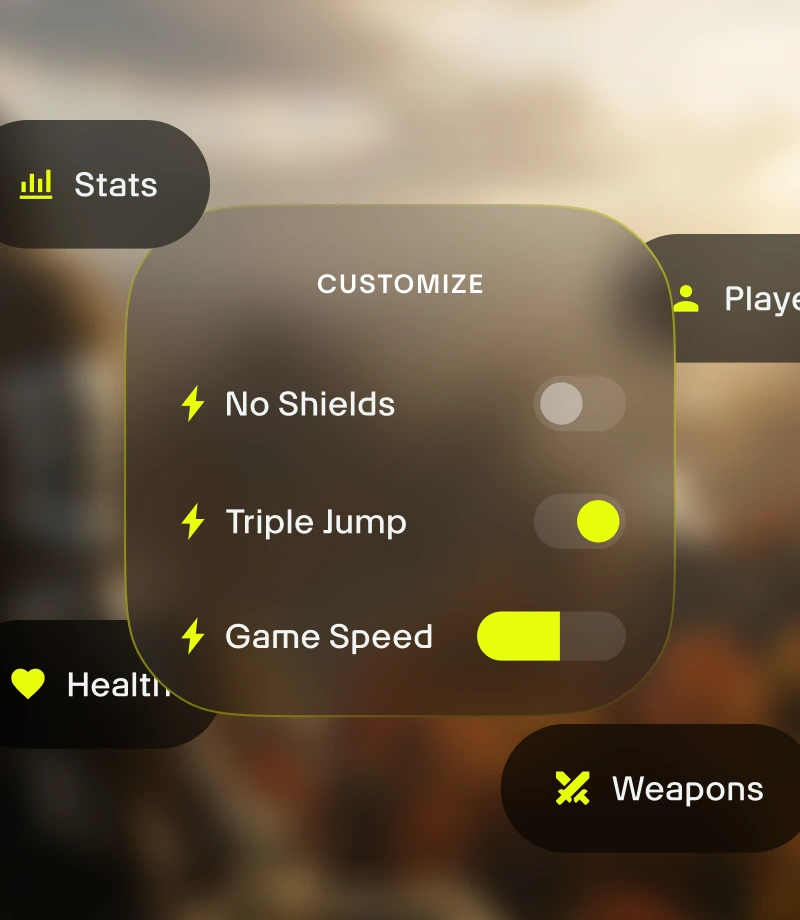
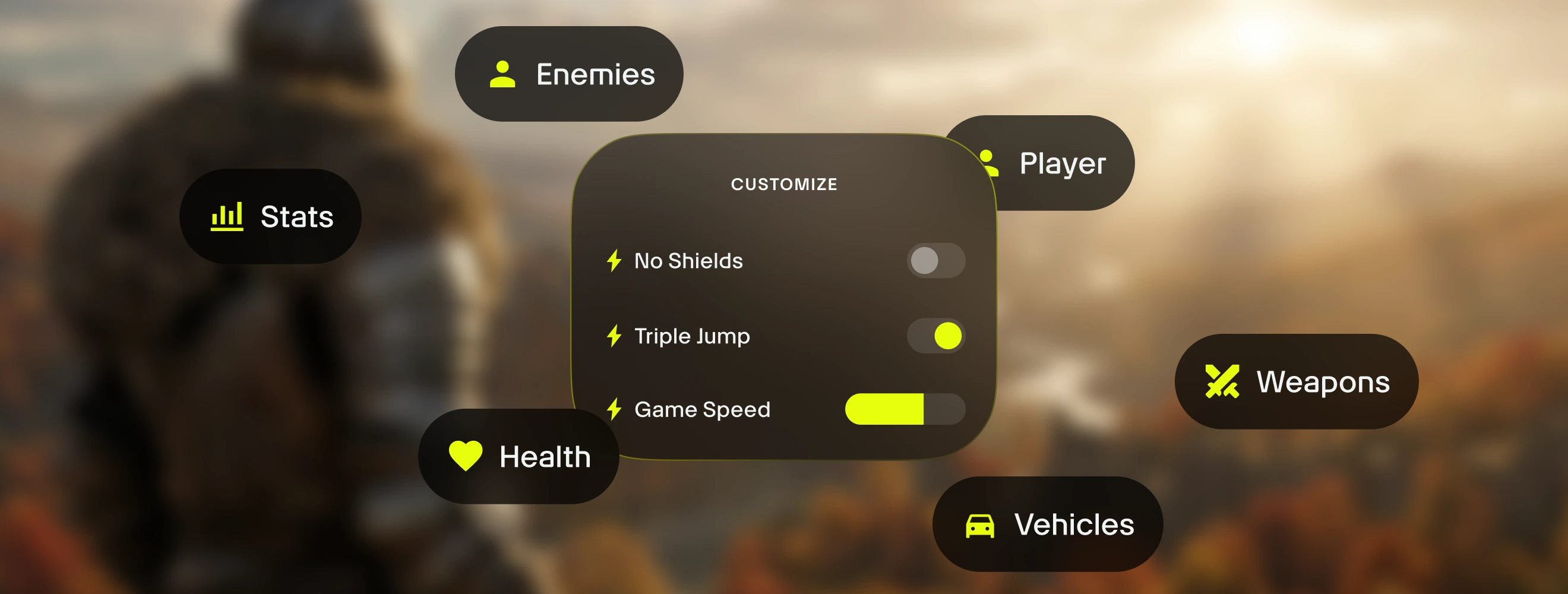
Personalize sua jogabilidade. Gerencie o equilíbrio do jogo e controle com precisão a dinâmica de combate, a gestão de inventário e a progressão do personagem.
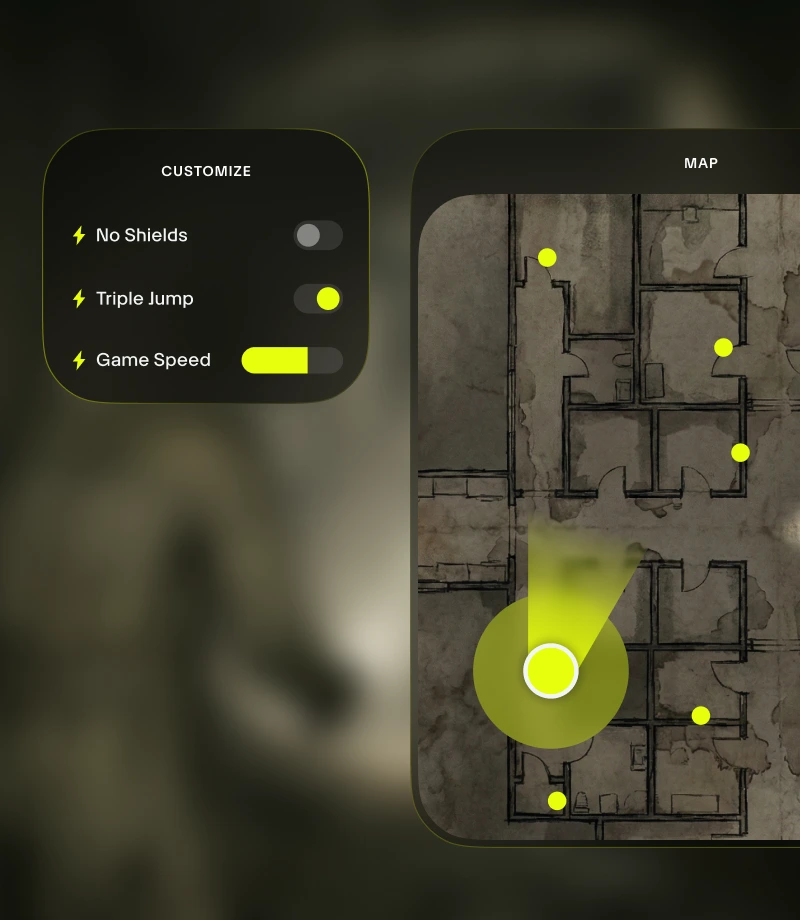
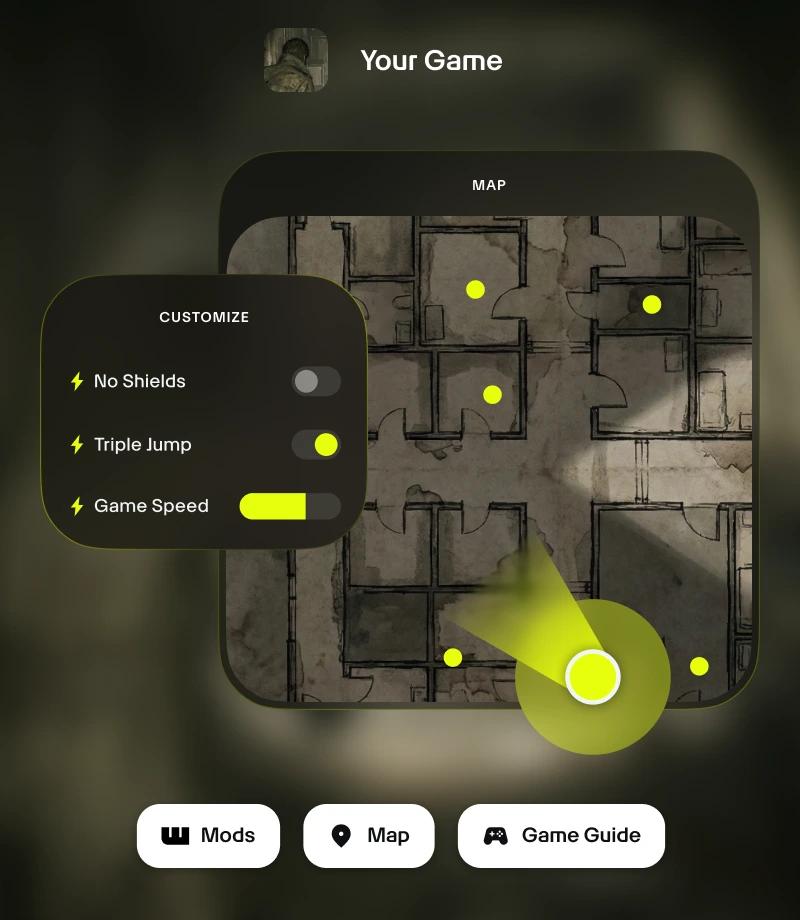
Mantenha-se no jogo. A sobreposição no jogo do Wand oferece acesso com 1 clique a todas as suas ferramentas essenciais – desde personalizações de jogabilidade até mapas em tempo real.
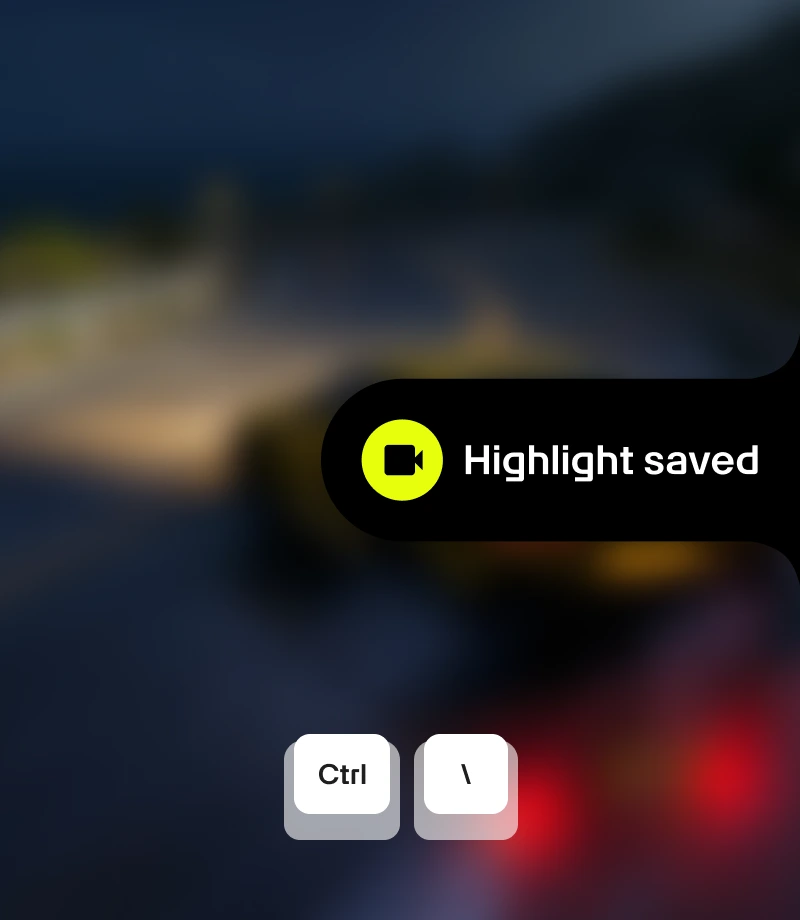
Capture seus momentos épicos. Grave seus momentos mais lendários e compartilhe com a comunidade com um único clique.
ferramentas para
GreedFall - Windows 10
Potencialize sua experiência em GreedFall - Windows 10 com as 13 personalizações de jogabilidade selecionadas da criadas por MrAntiFun. Com recursos como Vida Ilimitada, Magia Ilimitada, Fúria Ilimitada, Ouro Ilimitado e Munição Ilimitada, o Wand permite gerenciar o equilíbrio do jogo com precisão, ativando ou desativando instantaneamente pelas opções no app ou pela sobreposição no jogo Alt+W.
Coleções selecionadas para cada estilo de jogo
Facilidade – Diminua a dificuldade. Ajuste a mecânica do jogo sem comprometer a experiência com Ocultar Caixa de Pontos Extras.
Sandbox – Quebre todas as regras. Aproveite a liberdade de testar e jogar sem preocupações com Vida Ilimitada, Magia Ilimitada, Fúria Ilimitada e Ouro Ilimitado.
Como usar para GreedFall - Windows 10
Wand é projetado para ser tão rápido e fluido quanto o próprio jogo. Siga estes três passos simples para começar a personalizar sua aventura. Wand encontra automaticamente seus jogos e permite que você comece a usar as ferramentas imediatamente.
1
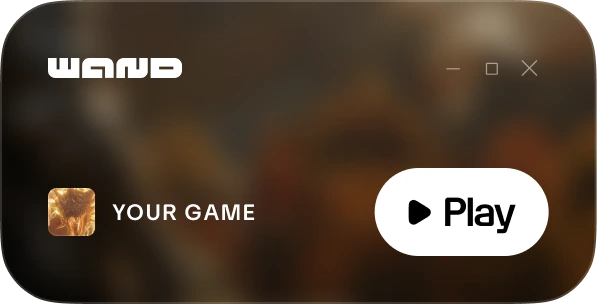
Inicie seu jogo. Abra o aplicativo Wand e inicie GreedFall - Windows 10 diretamente da sua biblioteca.
2
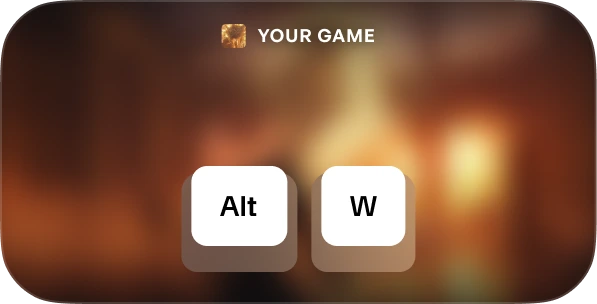
Ative o menu. Quando estiver no jogo, pressione Alt+W a qualquer momento para acessar suas ferramentas.
3
Escolha sua ferramenta. Alterne suas assistências de jogabilidade preferidas, abra o mapa interativo ou grave um clipe instantaneamente.
FAQs
Wand é seguro? Sim. Wand foi desenvolvido exclusivamente para experiências de um jogador e não interage diretamente com sistemas anti-cheat em plataformas como Steam, Epic Games e Xbox. Você pode personalizar seu jogo sem colocar sua biblioteca ou sua conta em risco. Confira nossas avaliações no Trustpilot.
Wand altera permanentemente os arquivos do meu jogo? Wand protege a instalação principal do jogo ao funcionar na memória do seu sistema, em vez de editar permanentemente os arquivos de instalação. Ainda assim, recomendamos fazer backup dos seus dados de salvamento ao utilizar qualquer ferramenta de terceiros, para garantir que seu progresso permaneça seguro.
Isso funciona com a versão específica do meu jogo? O Wand usa tecnologia avançada para detectar automaticamente a versão do jogo que você está executando. Mapas interativos e guias inteligentes estão disponíveis para todas as versões, e nosso sistema garante que você sempre tenha os auxílios de jogabilidade mais compatíveis.
Gostou do que viu?
Baixe grátis e junte-se a milhões de jogadores que estão evoluindo com assistências de jogo, mapas interativos, guias e muito mais em GreedFall - Windows 10 ou em um dos mais de 3.500 jogos compatíveis com Wand!