Cuphead (Windows Store)
is the all-in-one companion app for Cuphead (Windows Store) & 3,500+ other single player PC Games. Instantly toggle 3 gameplay assists — including God Mode, Unlimited Super Meter, and Unlimited Coins — directly inside Cuphead (Windows Store) using a seamless in-game overlay. Access your tools with Alt+W without leaving the action.
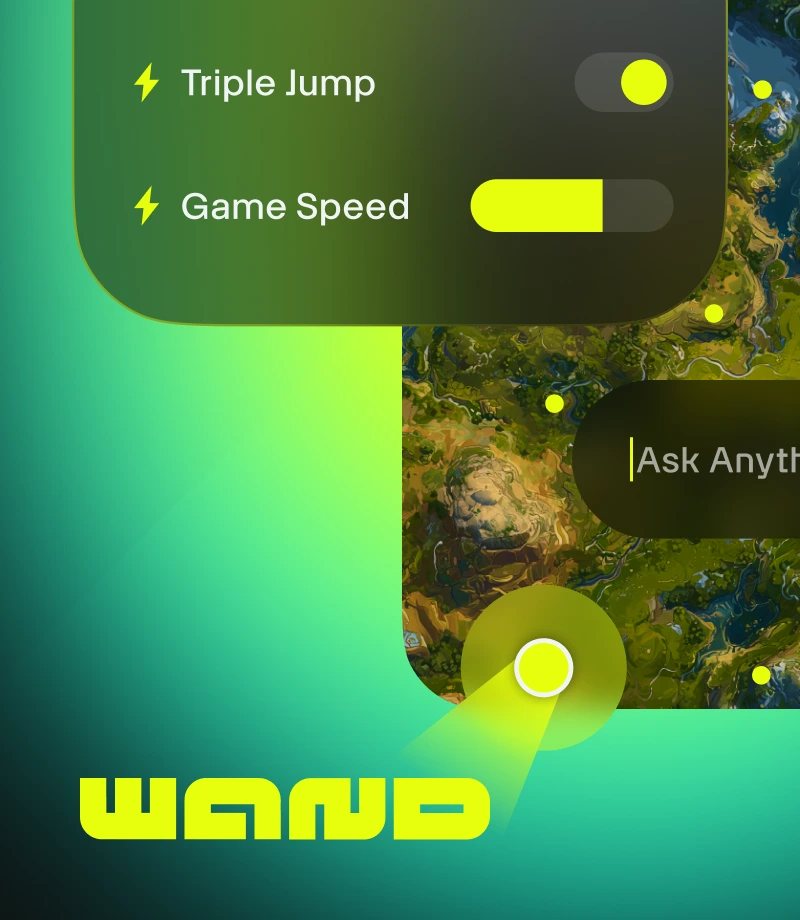
Wand makes gaming magical. Enhance 3500+ single-player games like Cuphead (Windows Store) with easy tools that remove any obstacle to having fun.
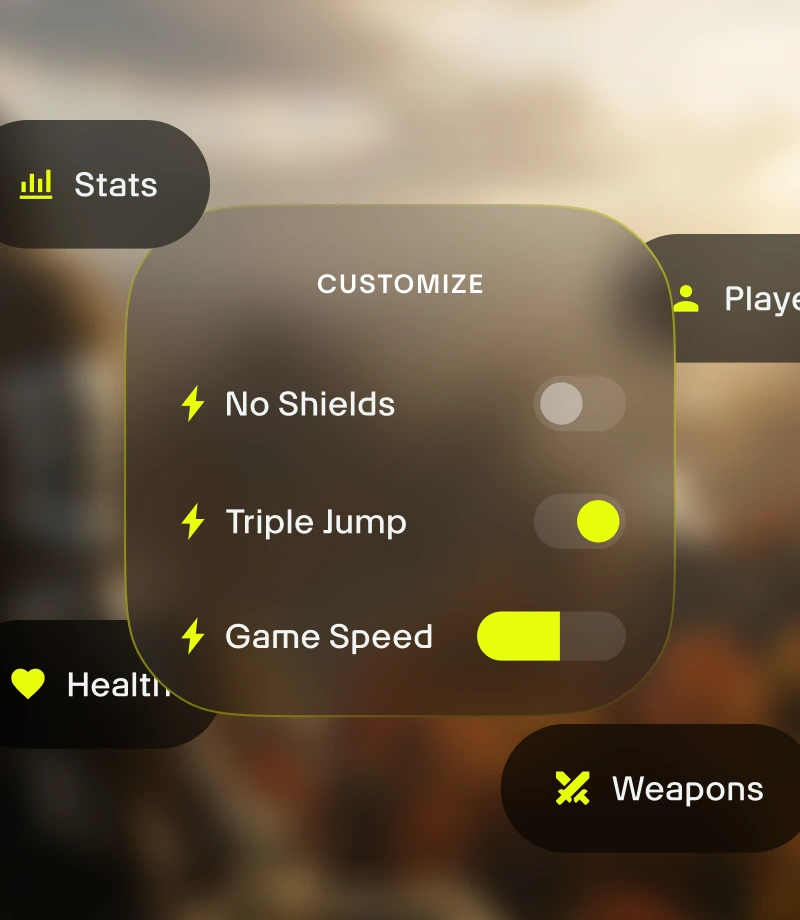
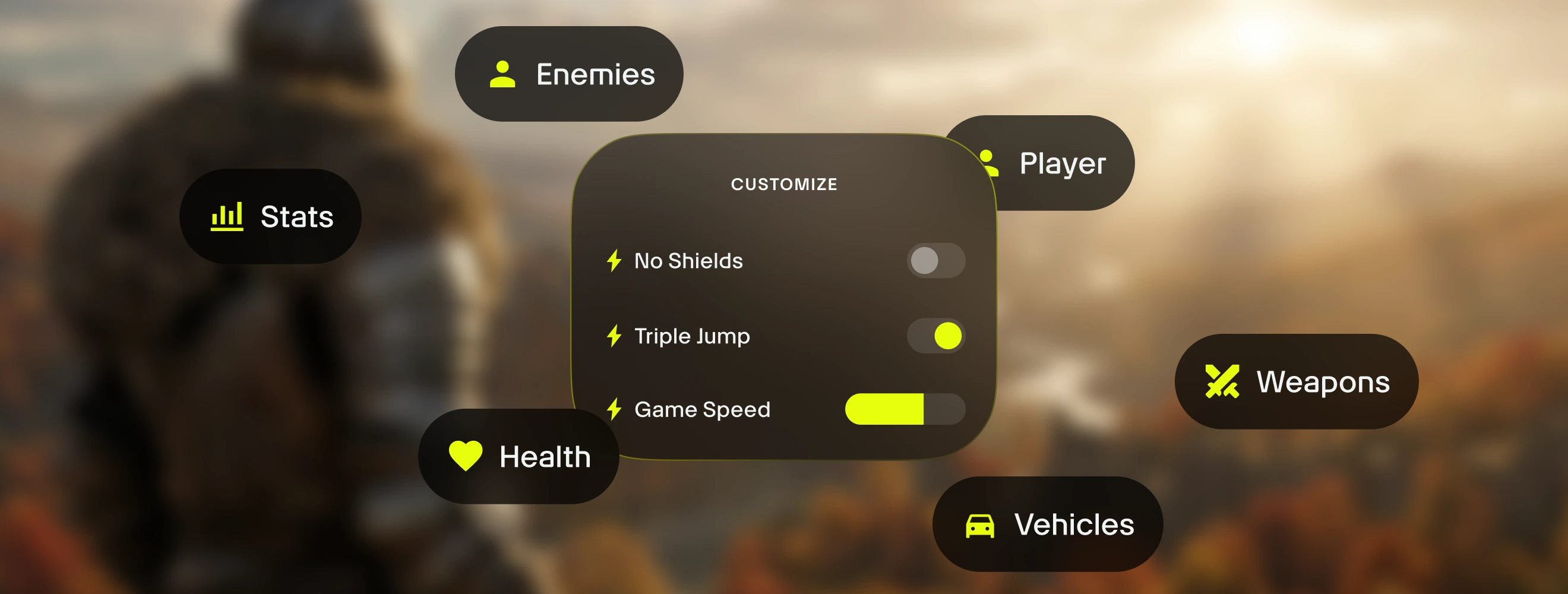
Customize your gameplay. Manage game balance & precisely control combat dynamics, inventory management, and character progression.
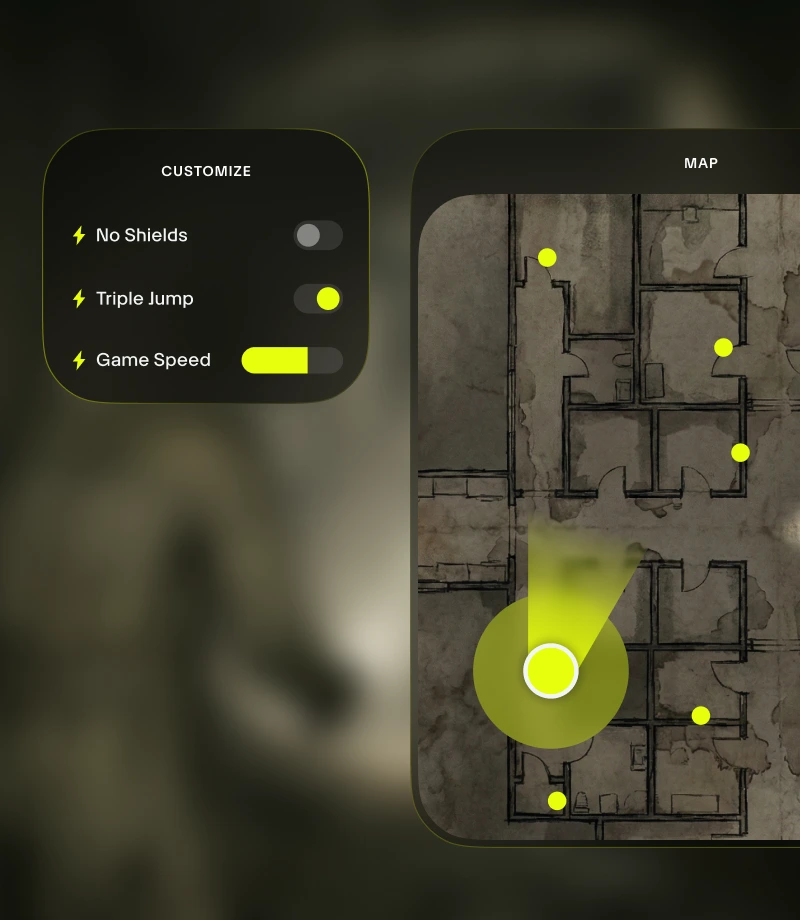
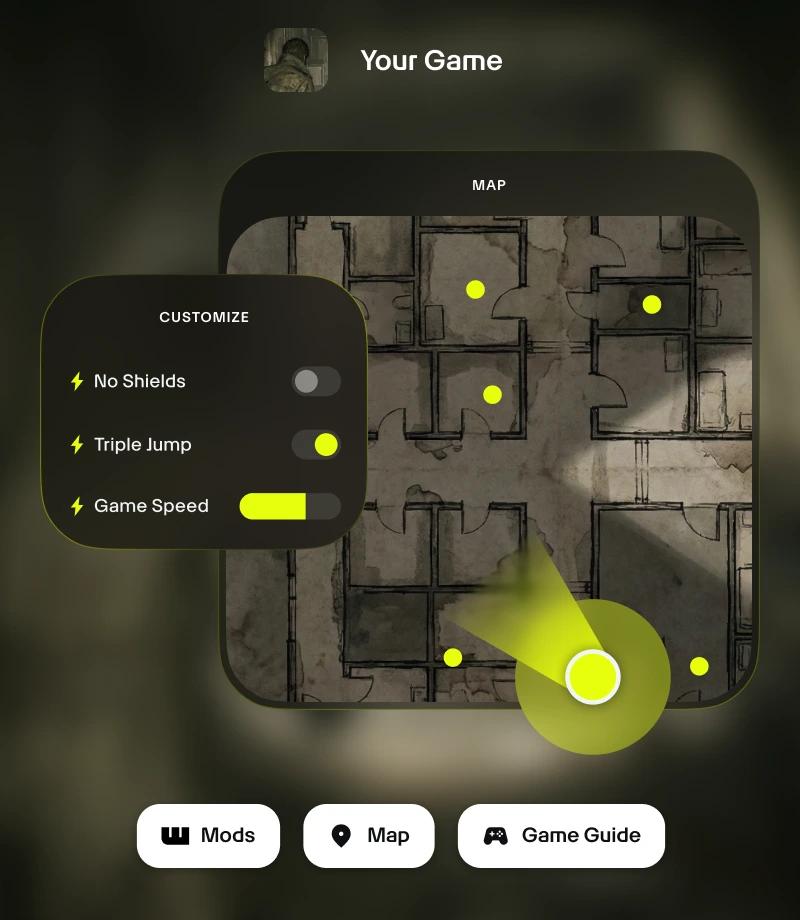
Stay in the game. Wand's in-game overlay gives you 1-click access to all your essential tools - from gameplay customizations to real-time maps.
Clip your epic moments. Record your most legendary moments and share with the community with a single click.
tools for
Cuphead (Windows Store)
Unlock the full potential of your Cuphead (Windows Store) experience with 's 3 curated gameplay customizations made by MrAntiFun. Wand offers a refined way to manage game balance with features like God Mode, Unlimited Super Meter, and Unlimited Coins, giving you precision control with instant on/off toggles accessible via in-app switches or the Alt+W in-game overlay.
Curated Collections for Every Playstyle
Sandbox - Break all the rules. Enjoy experimentation and stress-free play with Unlimited Coins, God Mode, and Unlimited Super Meter.
How to use for Cuphead (Windows Store)
Wand is designed to be as fast and fluid as the game itself. Follow these three simple steps to begin customizing your adventure. Wand automatically find your games and allows you to start using tools right away.
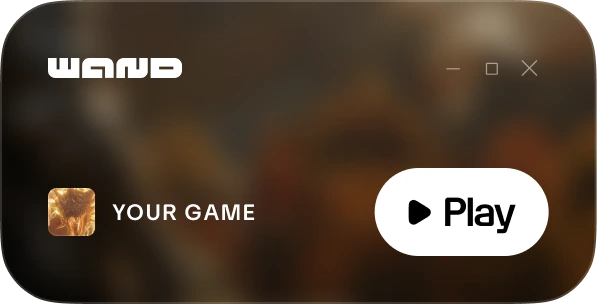
1
Launch Your Game. Open the Wand app and launch Cuphead (Windows Store) directly from your library.
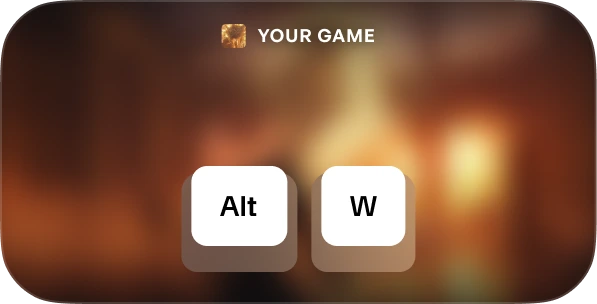
2
मेन्यू को ऐक्टिवेट करें। एक बार गेम में आने के बाद, अपना टूलकिट लाने के लिए किसी भी समय Alt+W दबाएँ।
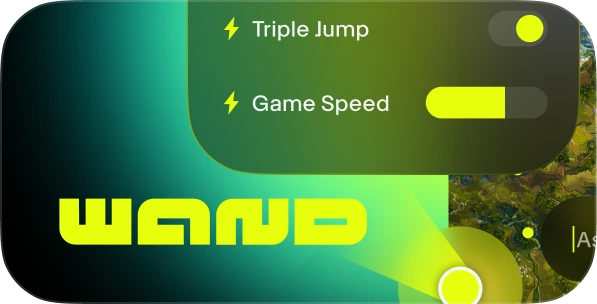
3
अपना टूल चुनें। अपनी पसंदीदा गेमप्ले सहायताओं को टॉगल करें, इंटरैक्टिव मैप खोलें, या तुरंत क्लिप रिकॉर्ड करें।
FAQs
Is Wand safe? Yes. Wand is developed strictly for single-player experiences and doesn't directly interact with anti-cheat systems on platforms like Steam, Epic Games, and Xbox. You are free to personalize your game without putting your account library or standing at risk. Check out our reviews on Trustpilot.
Will Wand permanently change my game files? Wand protects your core game installation by running in your system's memory rather than permanently editing your installation files. We still recommend backing up your save data when using any third-party tools to ensure your progress remains secure.
Will this work with my specific game version? Wand uses advanced technology to automatically detect the version of the game you are running. Interactive maps and smart guides are available for all versions, and our system ensures you're always running the most compatible gameplay assists.
Like what you see?
Download for free and join millions of players levelling up with game assists, interactive maps, game guides & more in Cuphead (Windows Store) or one of the 3500+ other games Wand supports!